How to tell if a video call is fake
How scammers fake a video call
A video call used to be the one check a scammer couldn’t pass, which is why the person you met online always had a reason they couldn’t video call, a broken camera, a bad connection or a job that kept them away. Now they can call, and the face on the screen looks exactly like the person they’re pretending to be. Underneath it is someone else. There are two ways to do it.
The simple way is a recording. The scammer finds a video of the real person, usually on their social media. They don’t even need a phone to use it. Free software runs a whole phone as a program on their computer, and they tell that phone the video is its camera, so WhatsApp or any other app on it can’t tell the difference. A recording can’t answer you, so they keep the call to a few seconds, say the sound isn’t working and type instead, and if you notice the lips don’t match the words, they blame a bad connection.
The newer way is a live face swap, done with AI, often called a deepfake. The scammer sits in front of their own camera and the AI redraws their face as the real person’s, copying every expression and head movement as they make it. It has learned what the person looks like from a few photos and runs on an ordinary laptop, and the swapped face goes into the call through a phone running as a program on that laptop, which treats it as its camera. Because it follows the scammer’s own movements, the face talks, turns and blinks like anyone else on a call. The voice is cloned the same way, from a few seconds of audio, as our guide to AI voice cloning explains.
Why the usual checks fail
The honest answer is that you can’t tell. Most of the advice online was written before the software caught up. These are the usual checks and where each one falls short.
| Check | Weakness |
|---|---|
| Ask them to wave a hand over their face |
|
| Look for glitches, odd blinking or lips out of sync |
|
| Ask them to turn their head or show the room |
|
| Ask something only they would know |
|
Someone who refuses to video call is still a warning sign. But a video call no longer proves anything either, because everything you can see on it can be faked. What you need is a verifiable way of checking the person on the call.
How to check who’s really on the call
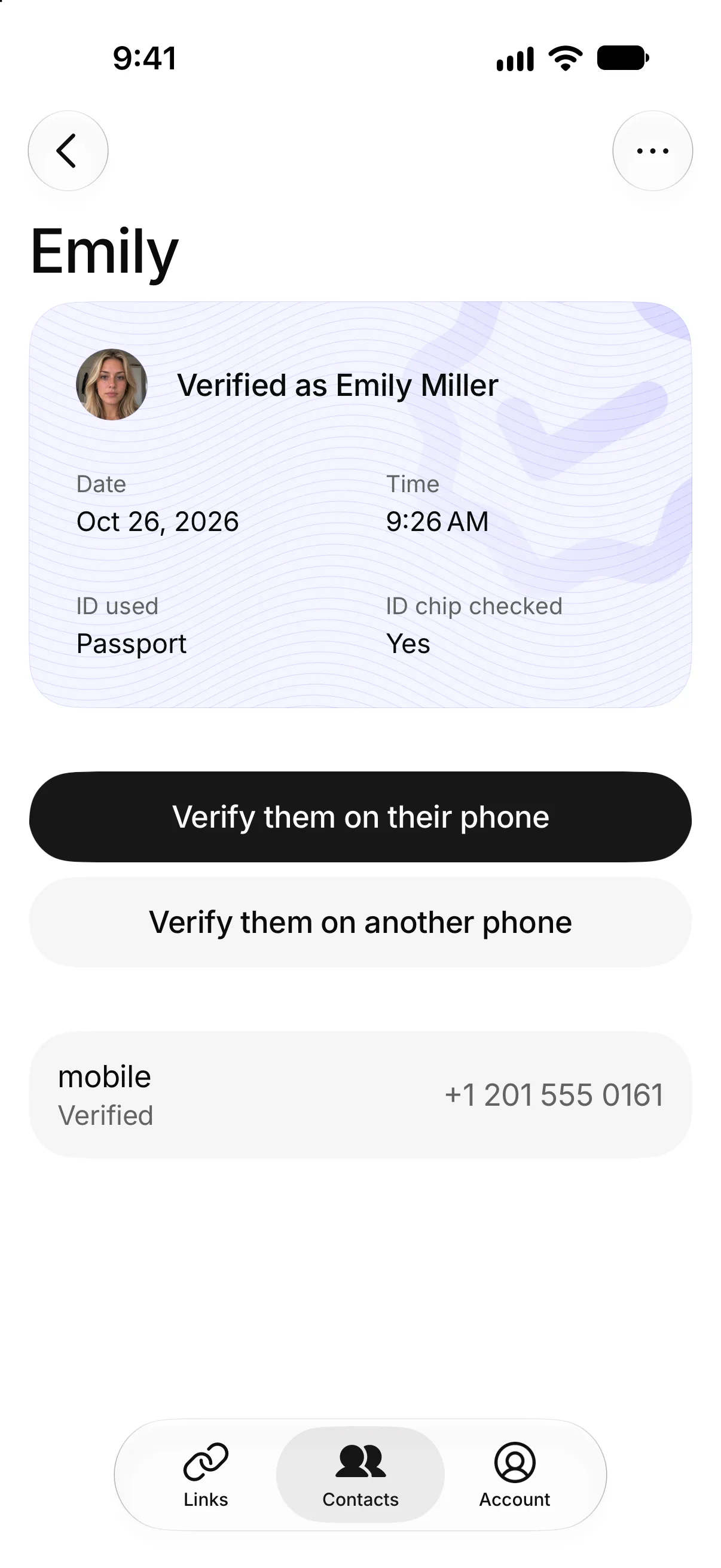
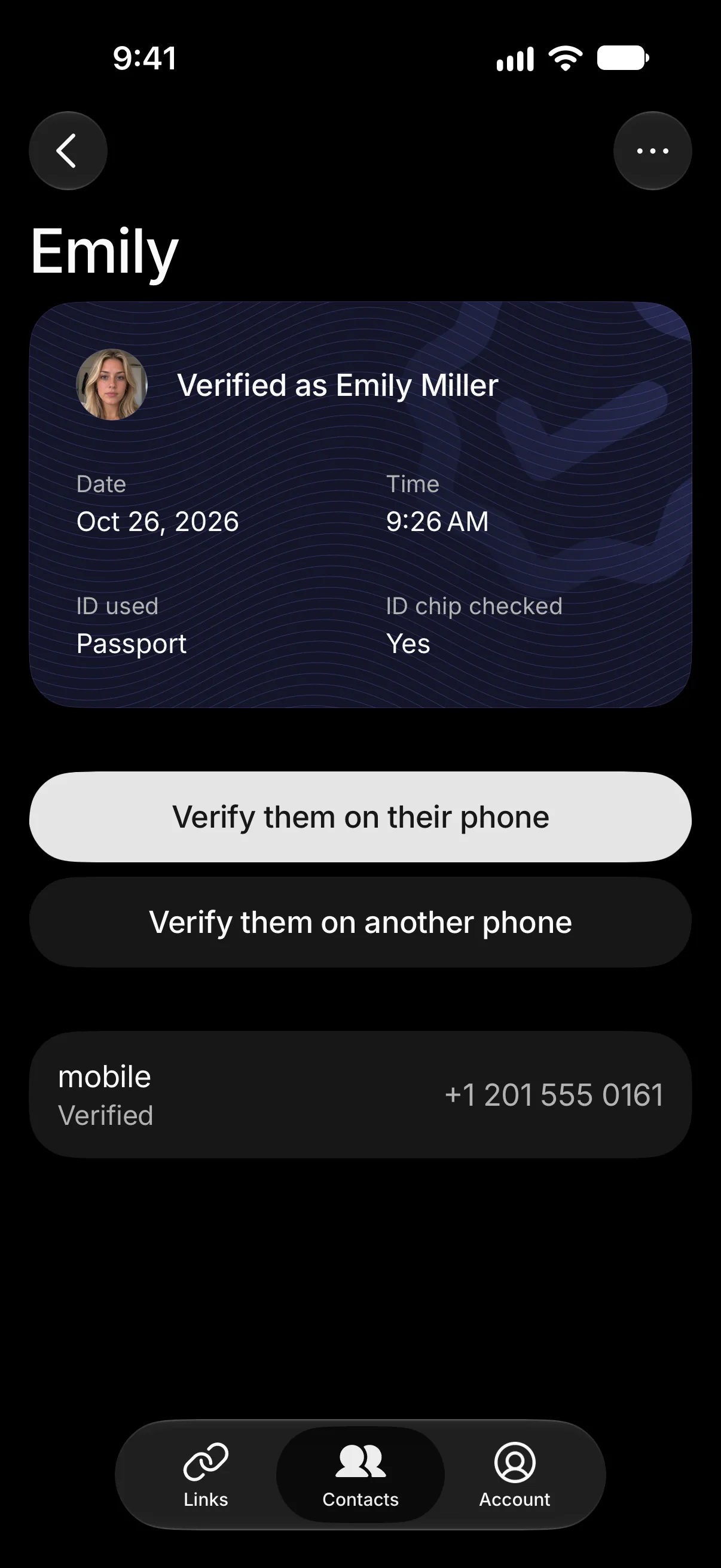
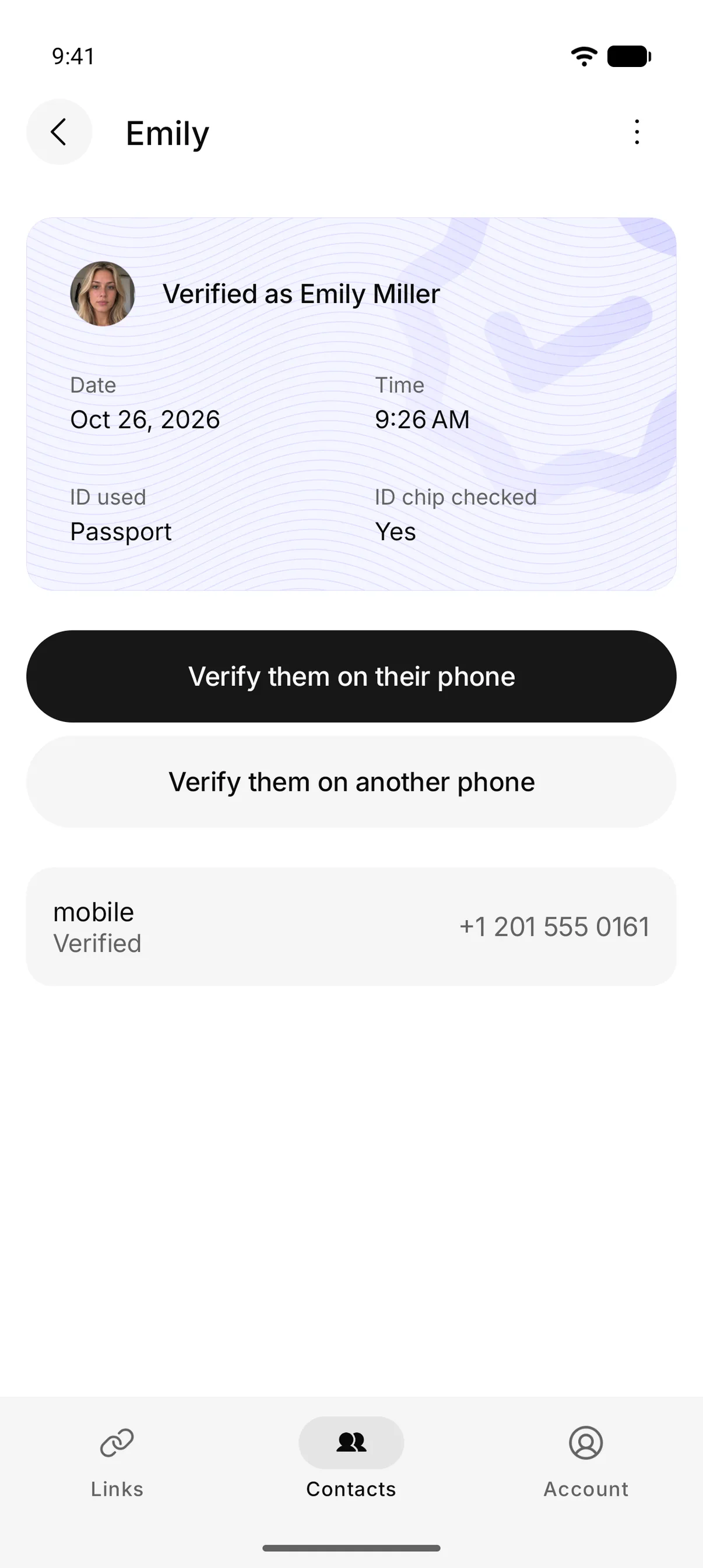
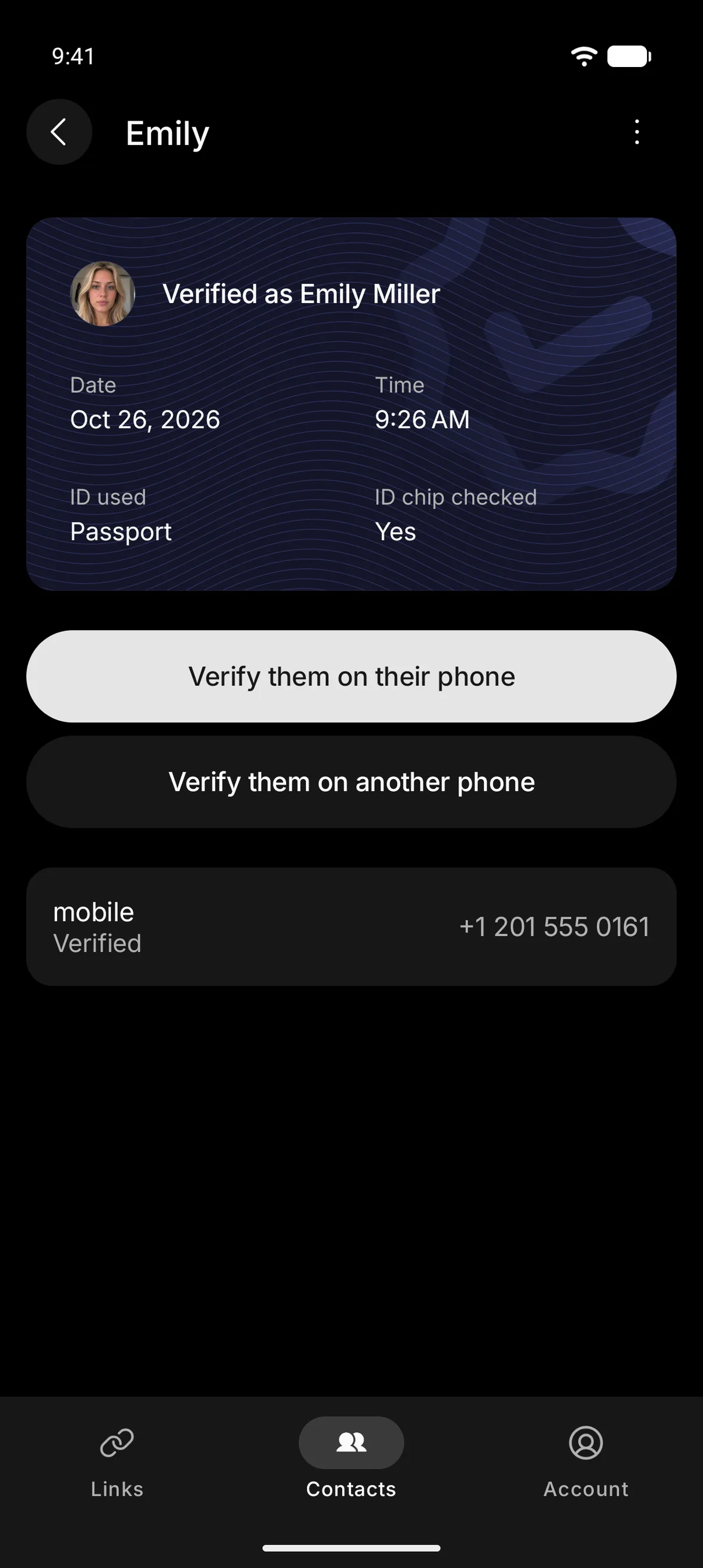
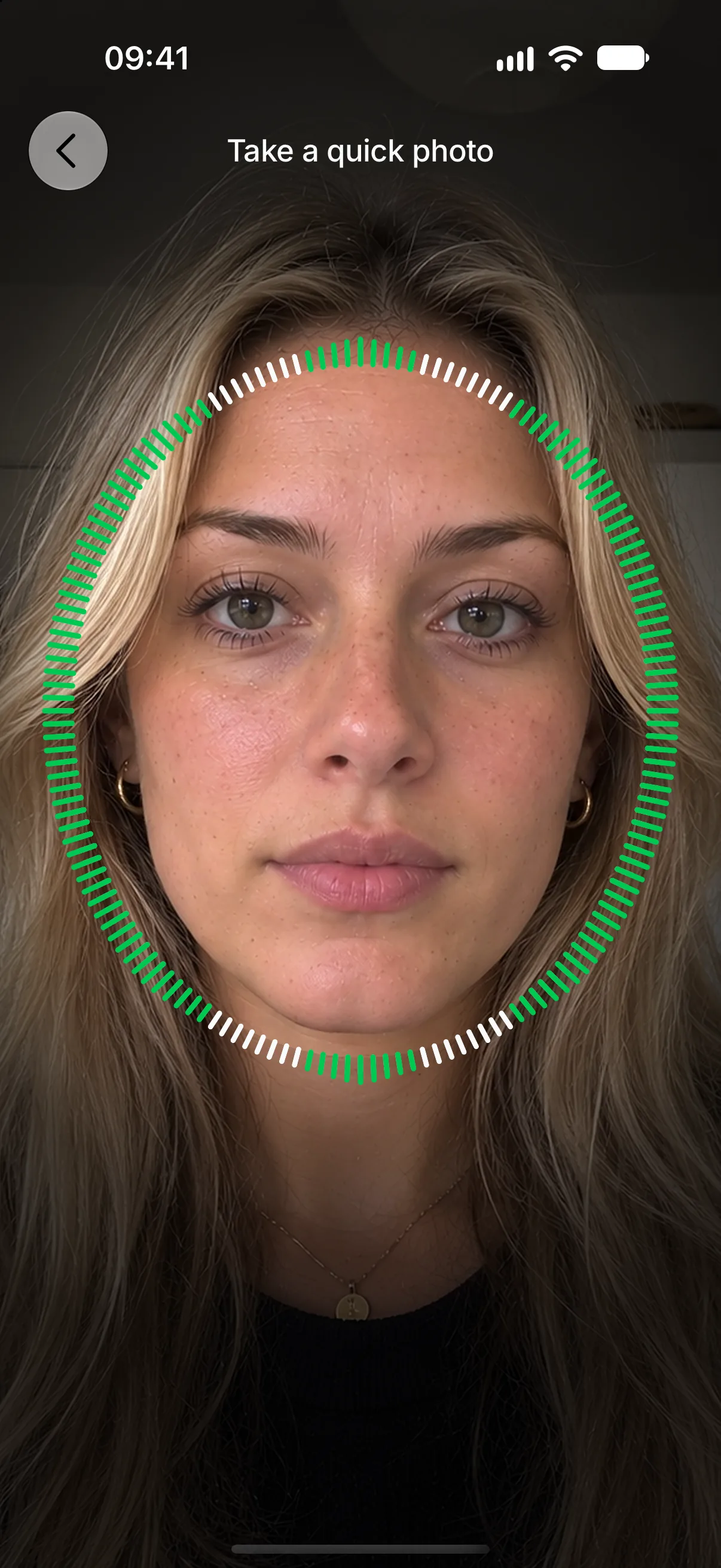
Check Twice is a free app for verifying that whoever contacts you is who they say they are. It biometrically checks that the person is who they proved they were when they signed up with their photo ID. The quick photo is taken on their own phone and has to come from a real camera on a real phone, with a liveness check as it’s taken, so a recording, a phone running as a program or an AI face swap doesn’t work.
The verification process is simple. For someone you know, open their contact and tap “Verify them on their phone”. The request goes to the phone they already use, so whoever is pretending to be them never sees it, and they confirm with a quick photo. You both then get the same two words, so ask the person on the call to read theirs out. A scammer using their face can’t know these two words, as they only appear on the phone that passed. If they say it wasn’t them or don’t answer in time, you’re warned.
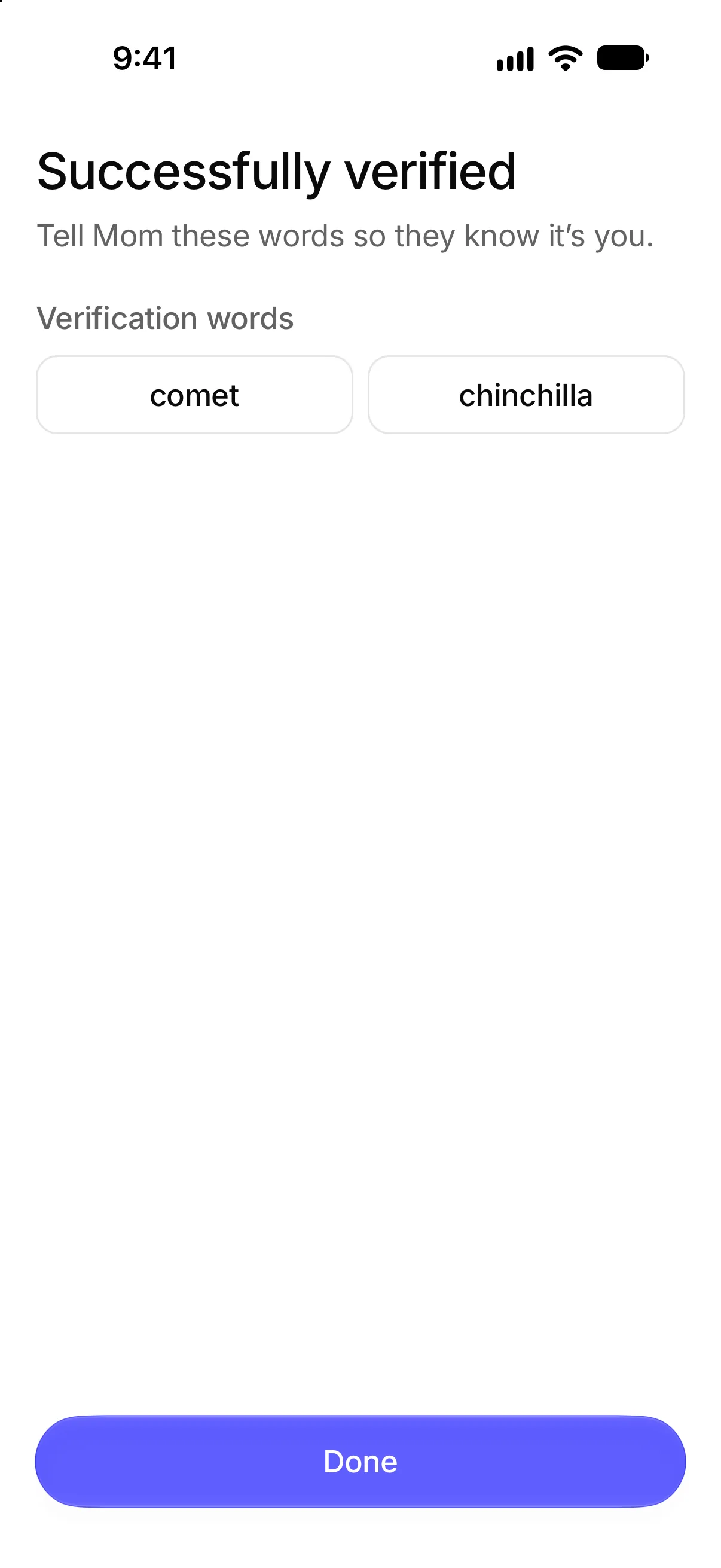
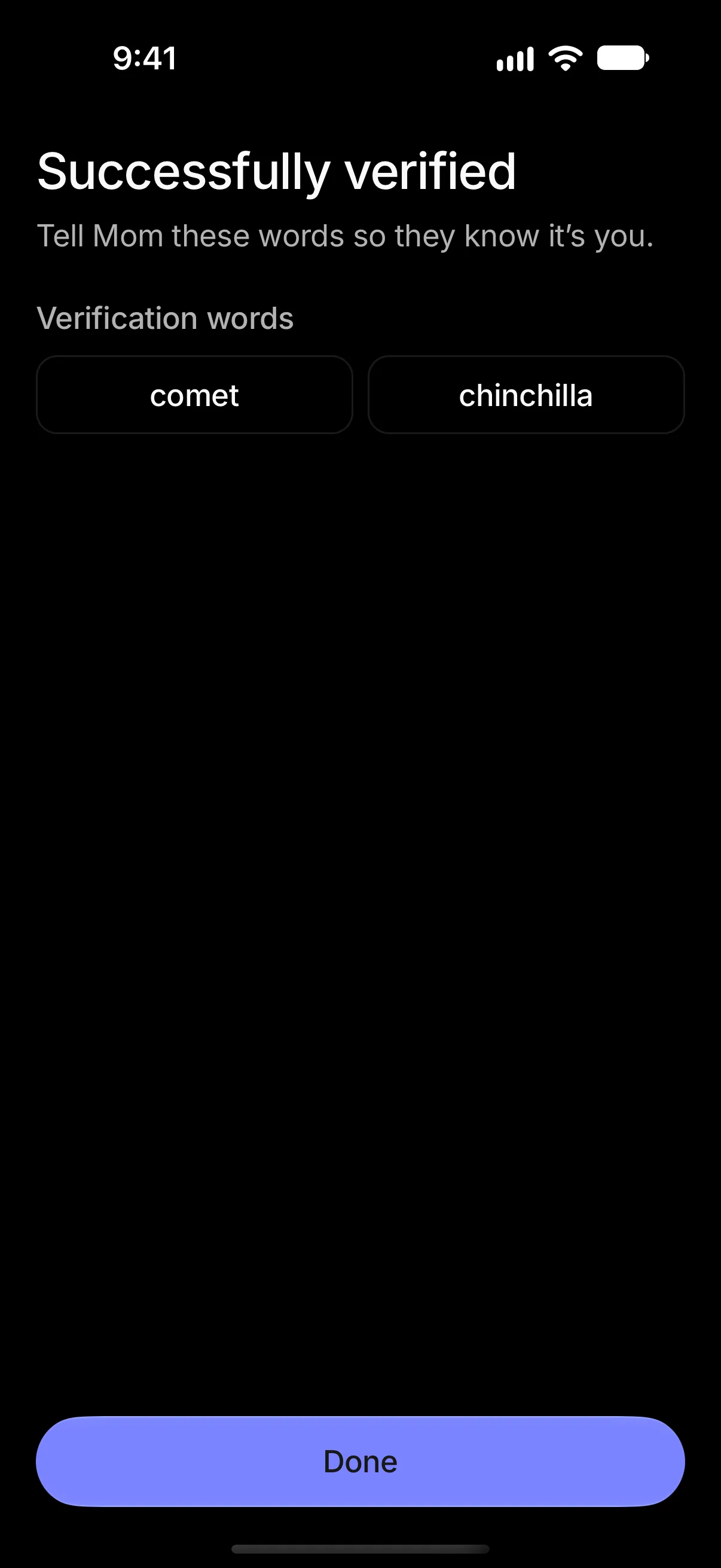
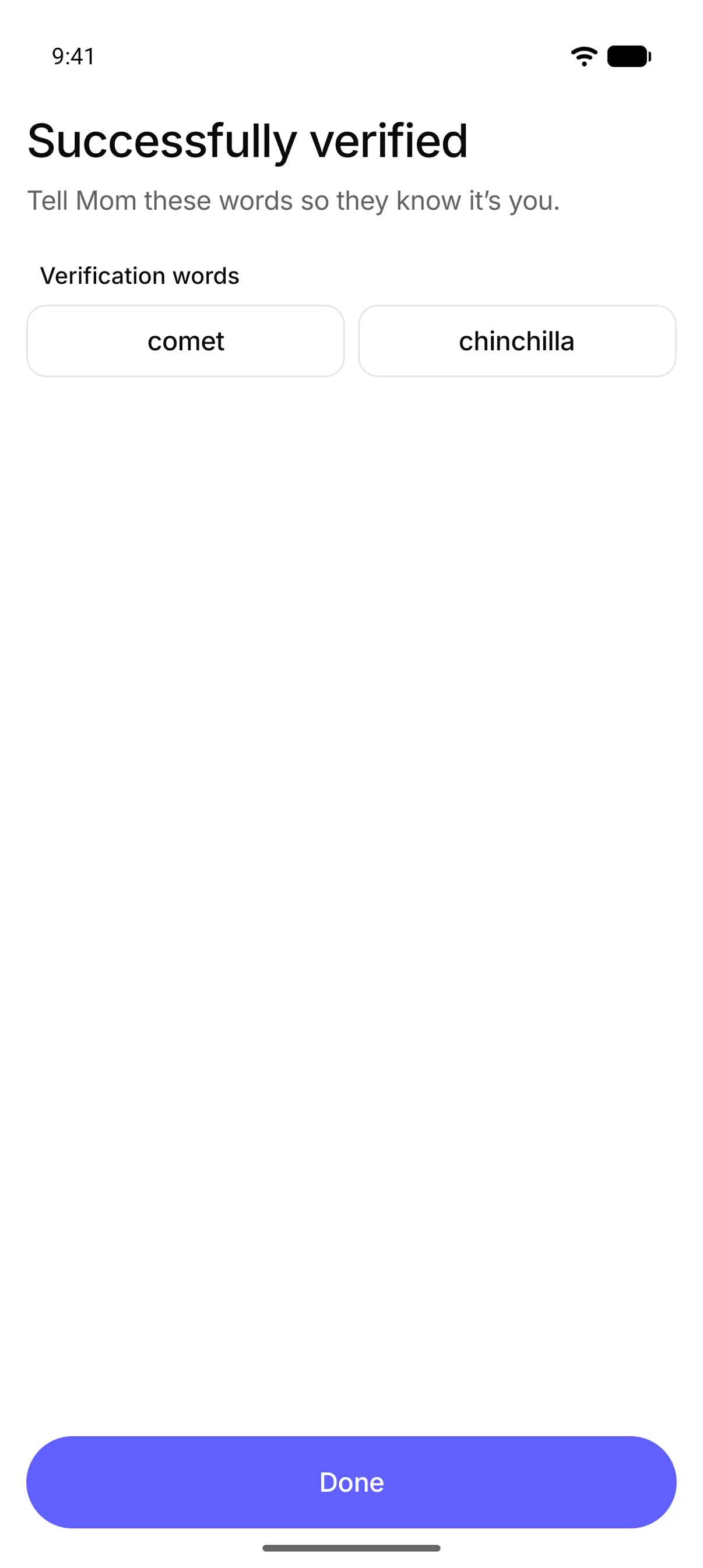
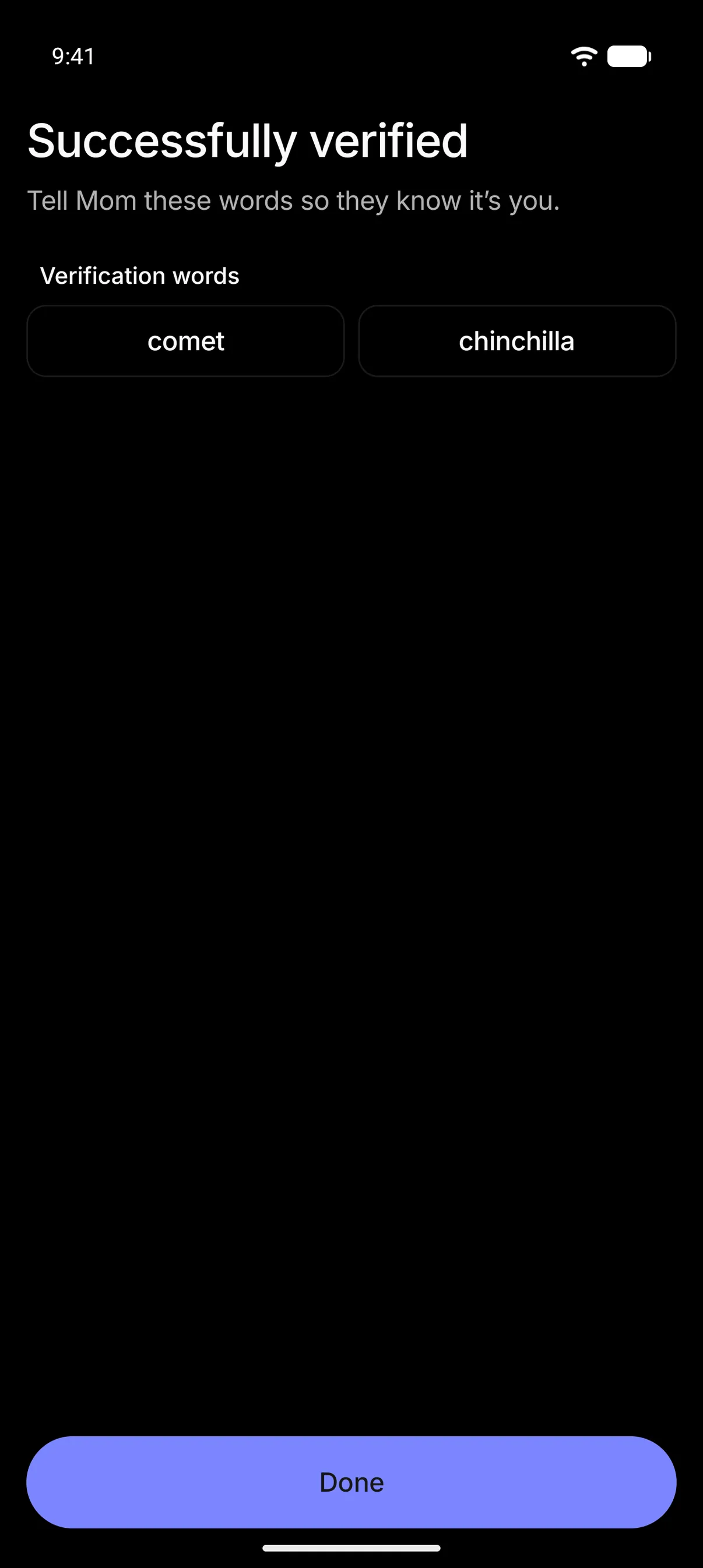
Verification works between people who have created a Check Twice account. So download it, create your account and ask anyone you’d trust on a video call to set one up too. It works both ways, so they can check it’s really you too.
Check Twice is free and easy to set up. All you need is a quick photo and your passport, driver’s license or state ID card. Your contacts never leave your phone and only people you’ve saved can see your profile, unless you opt in to showing it to anyone with your phone number.