Know who’s really contacting you
Verify anyone who calls or messages you is who they say they are.
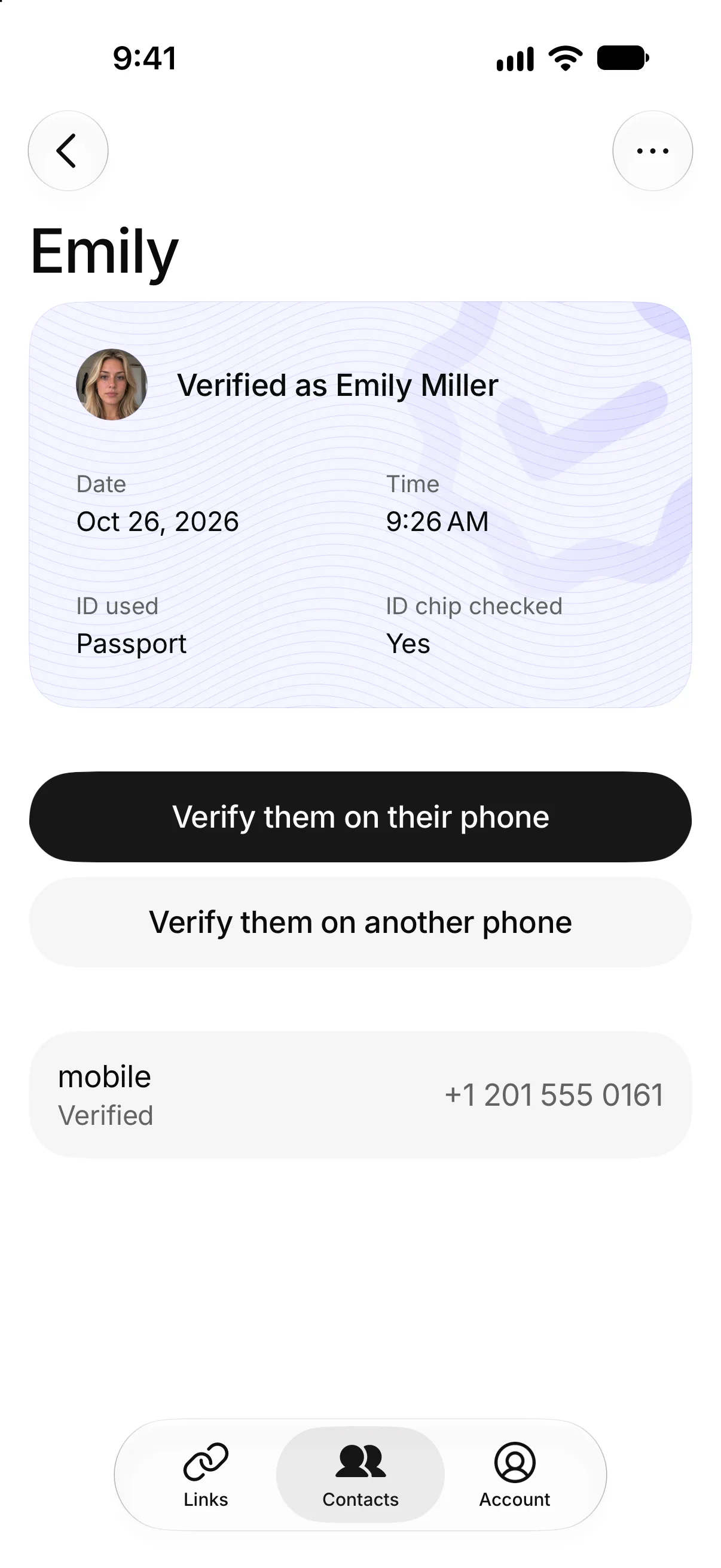
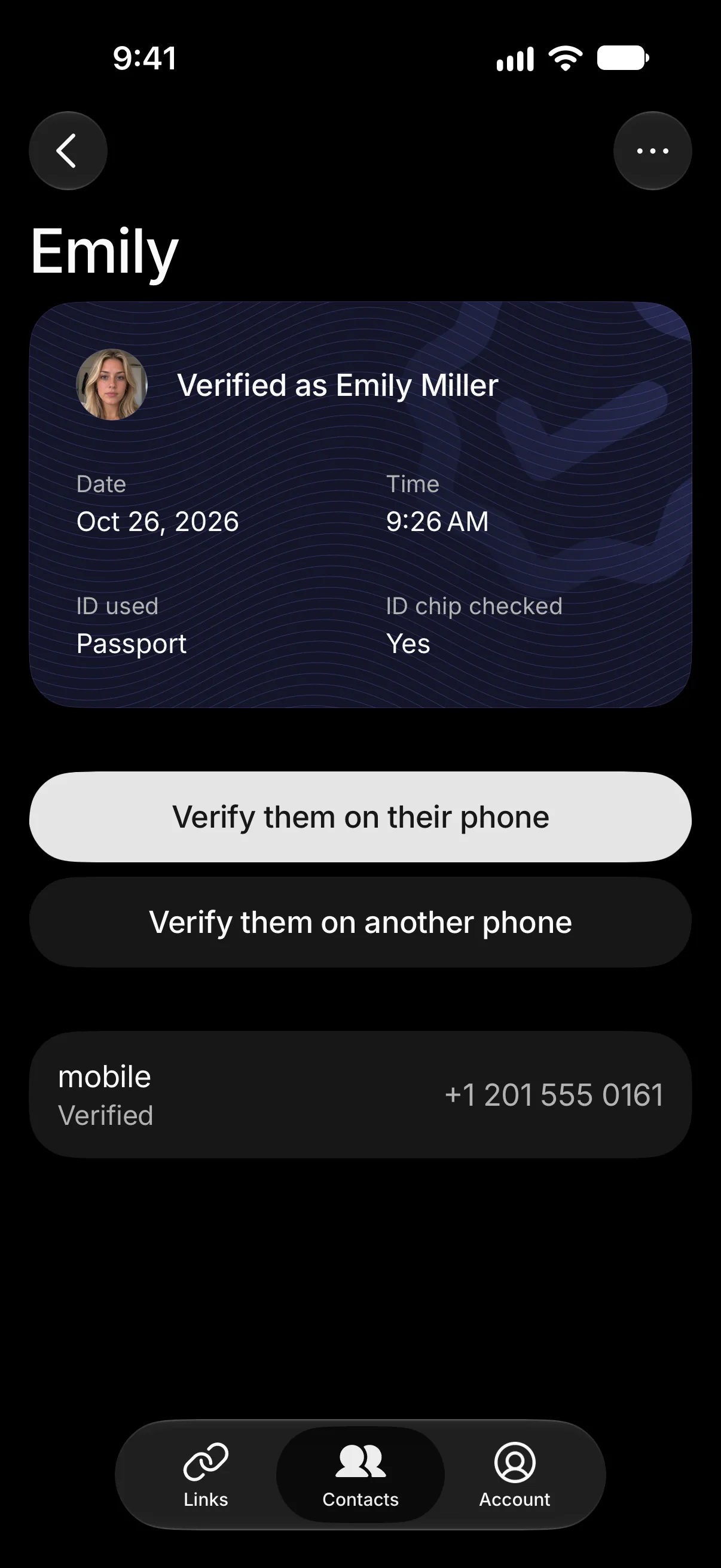
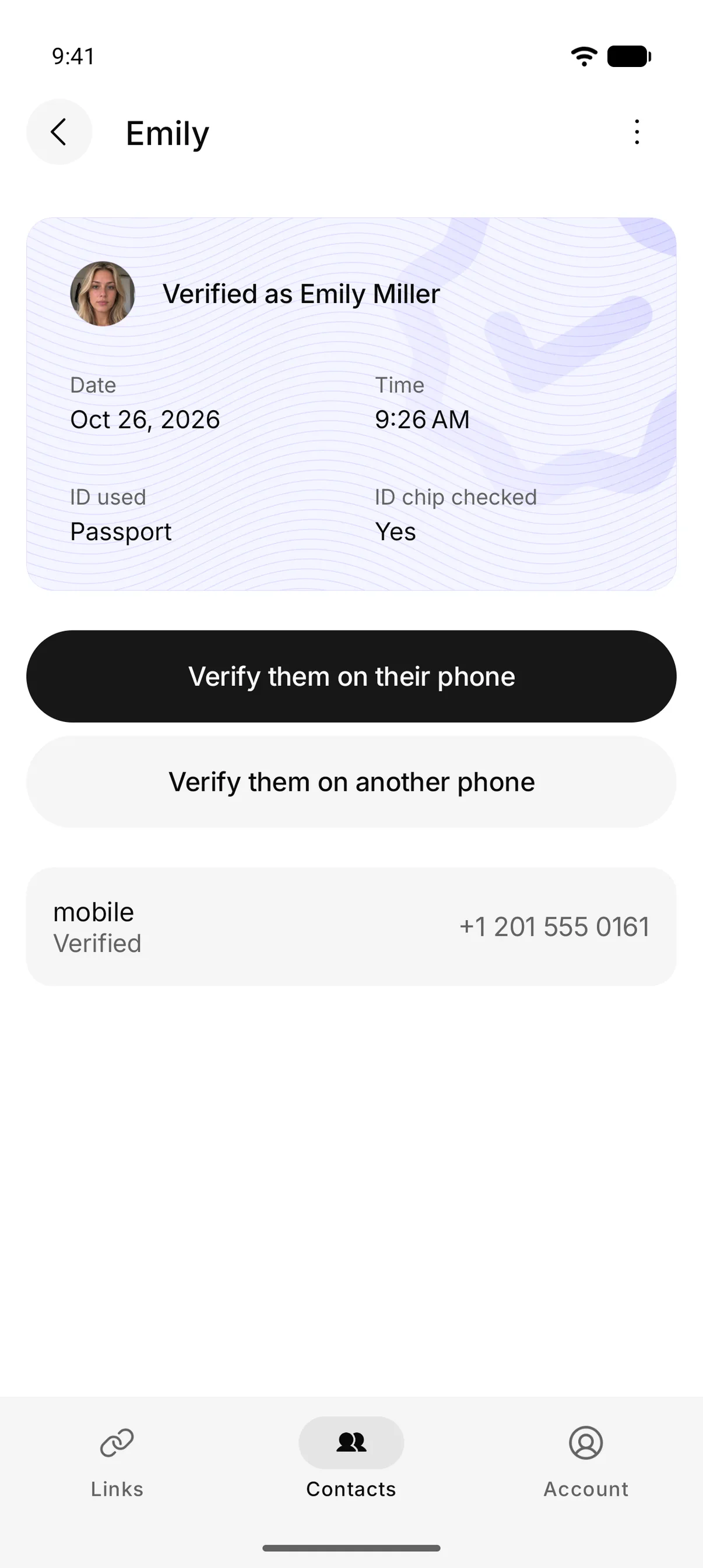
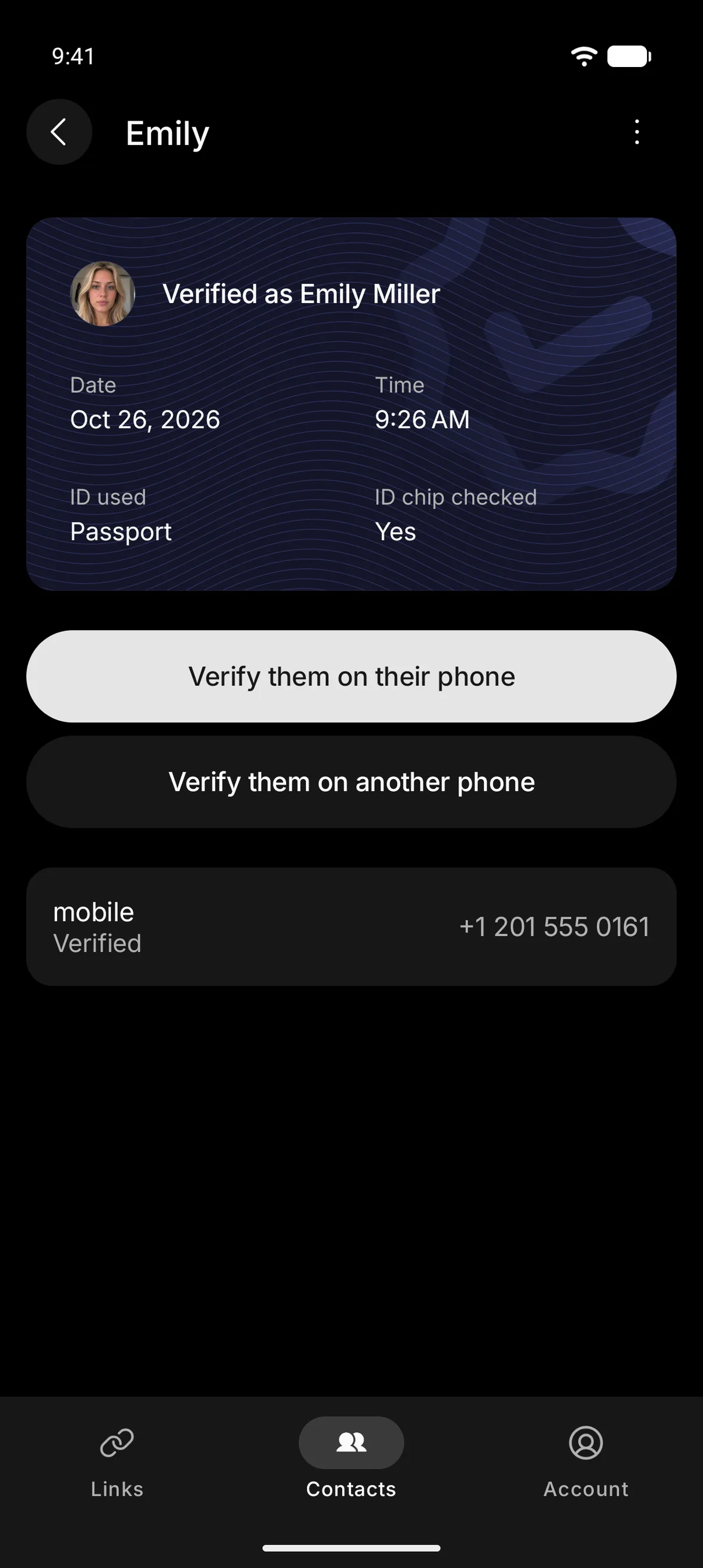
Stop impersonation scams
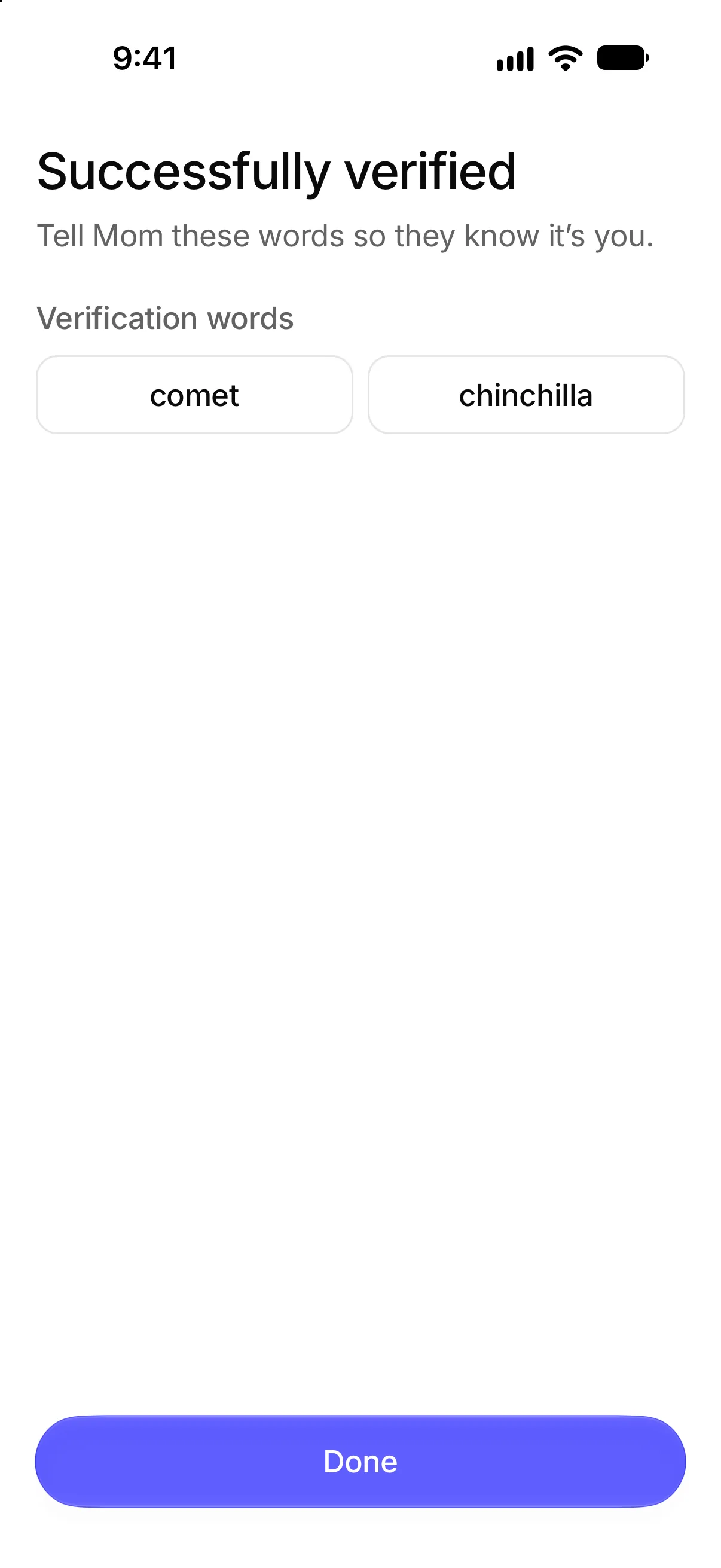
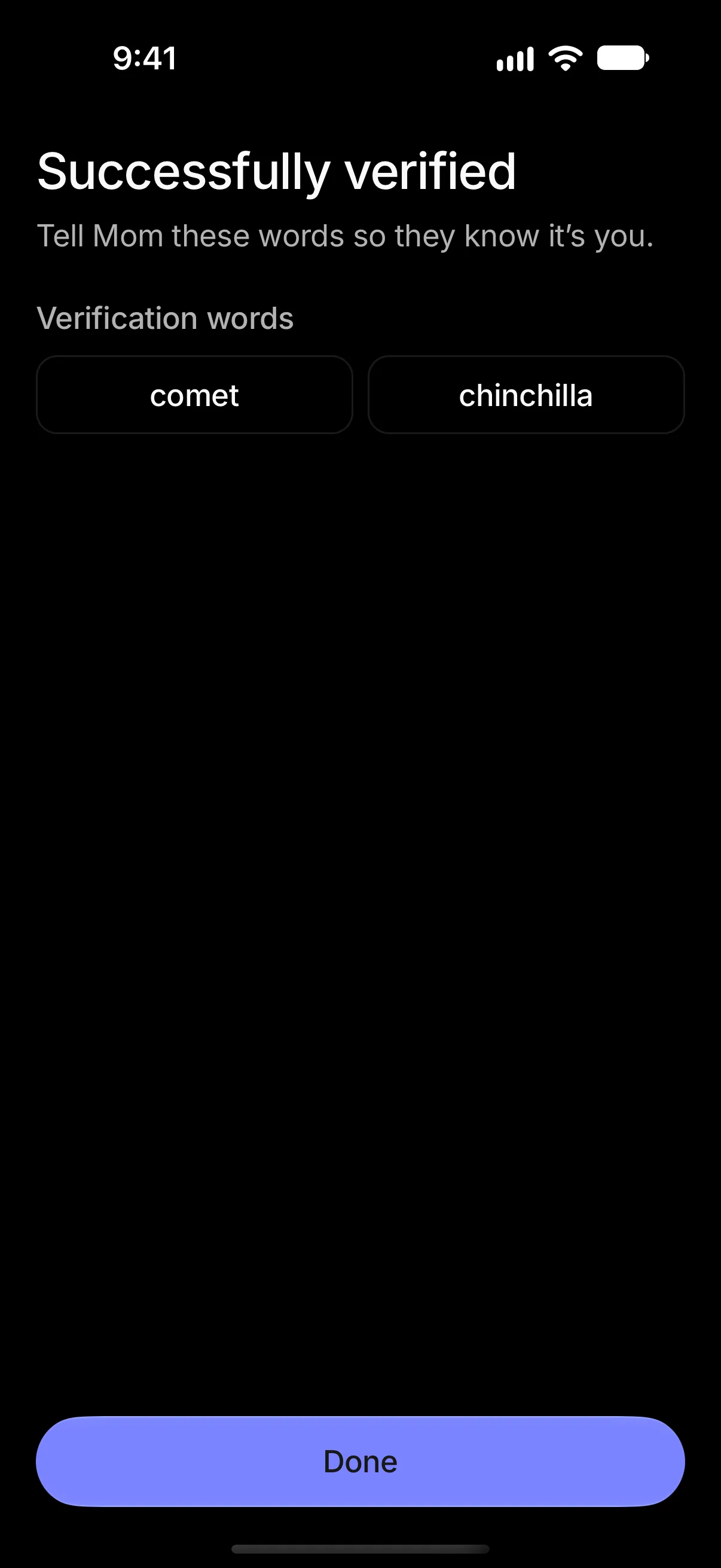
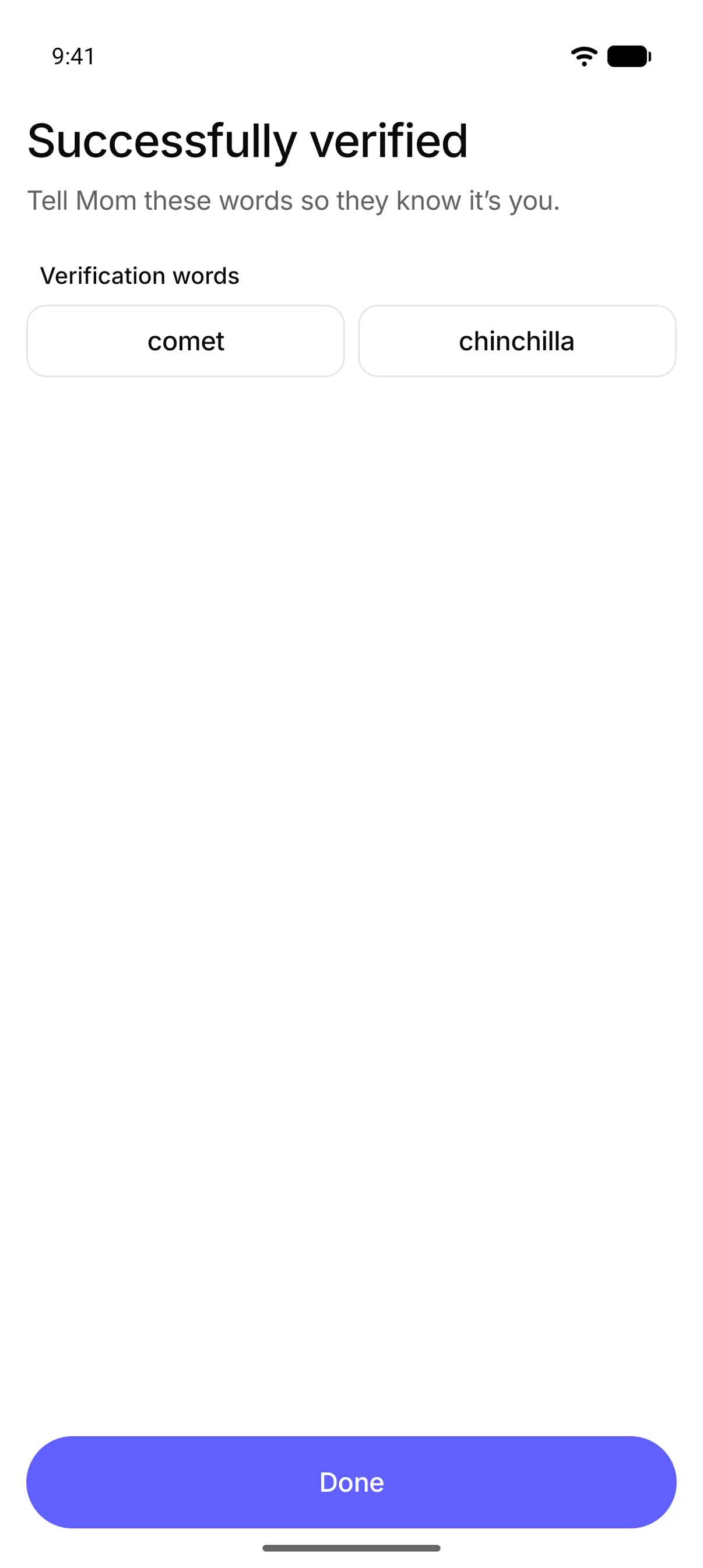
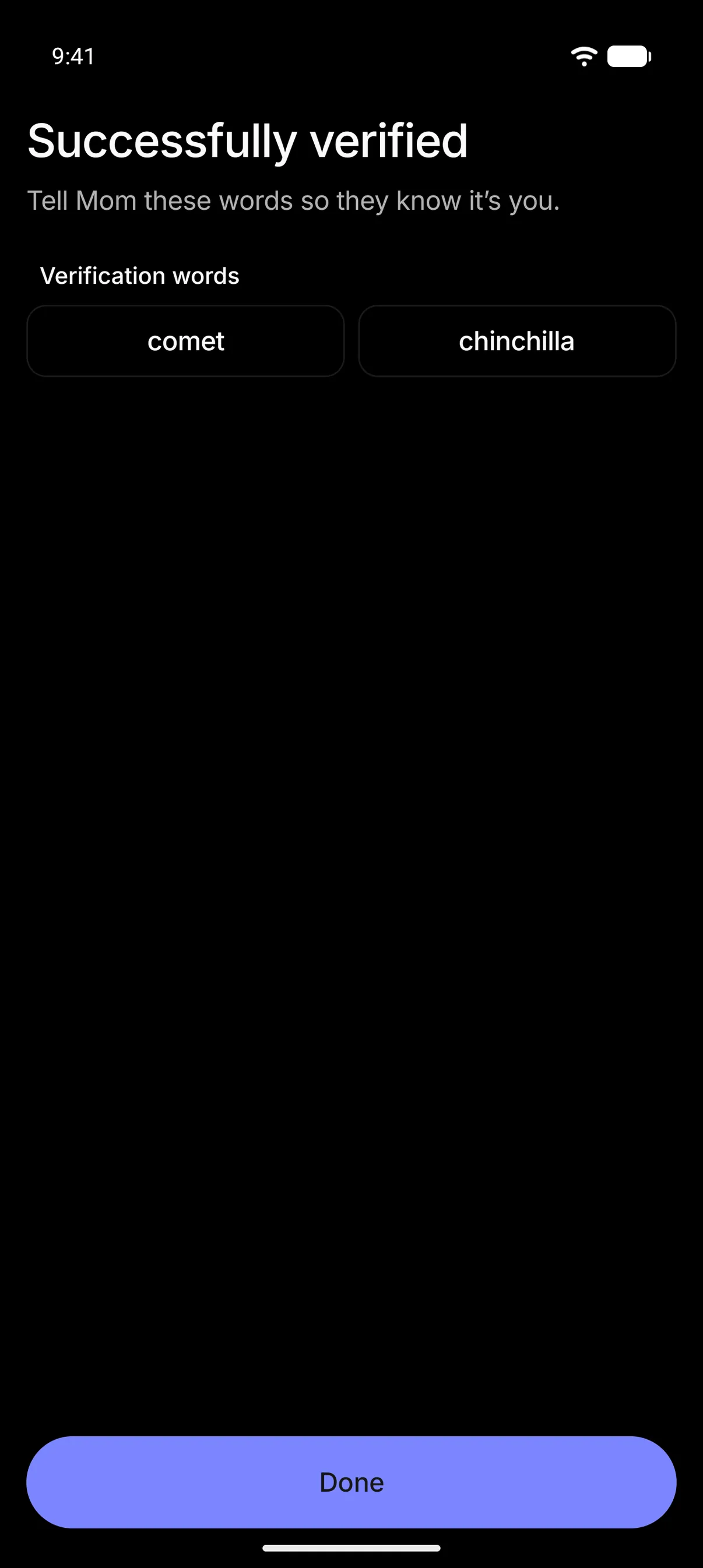
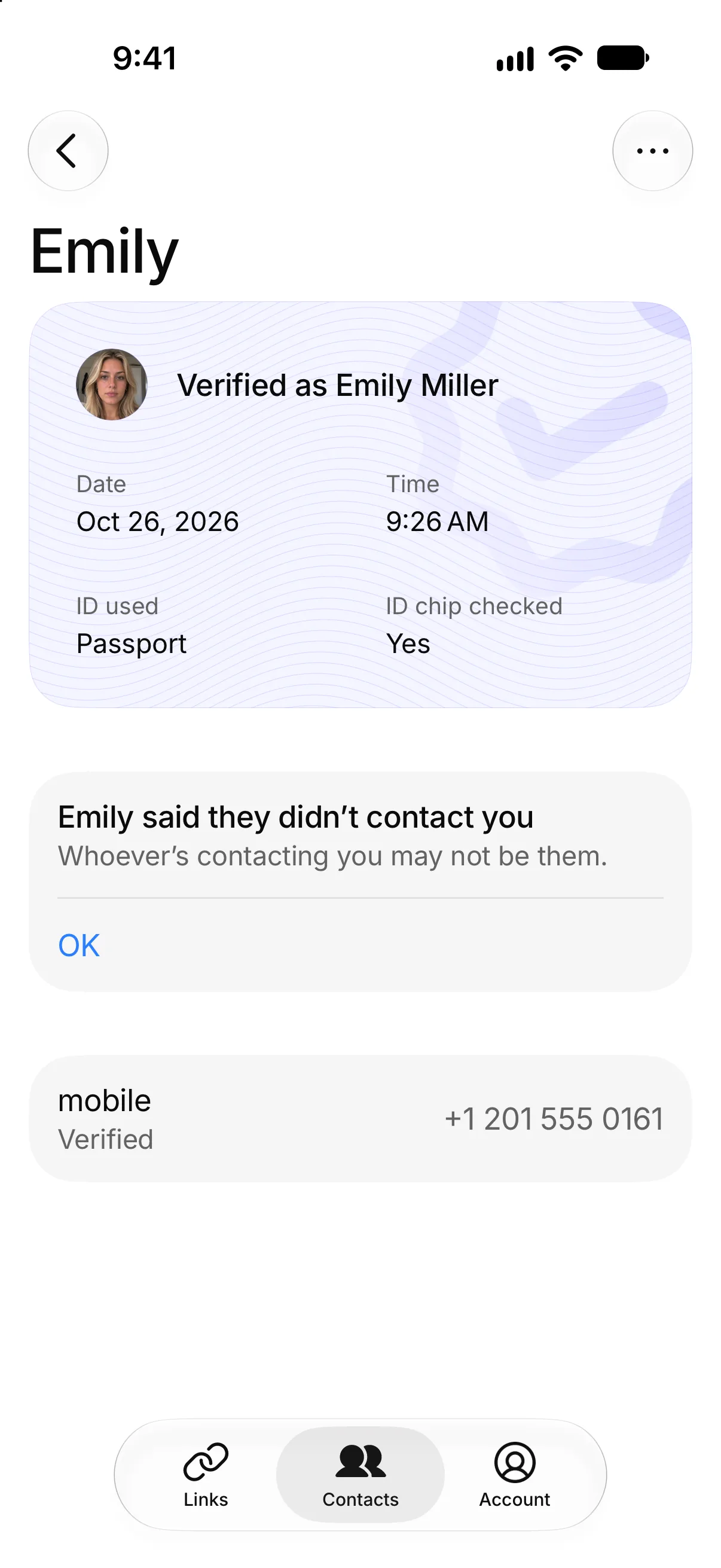
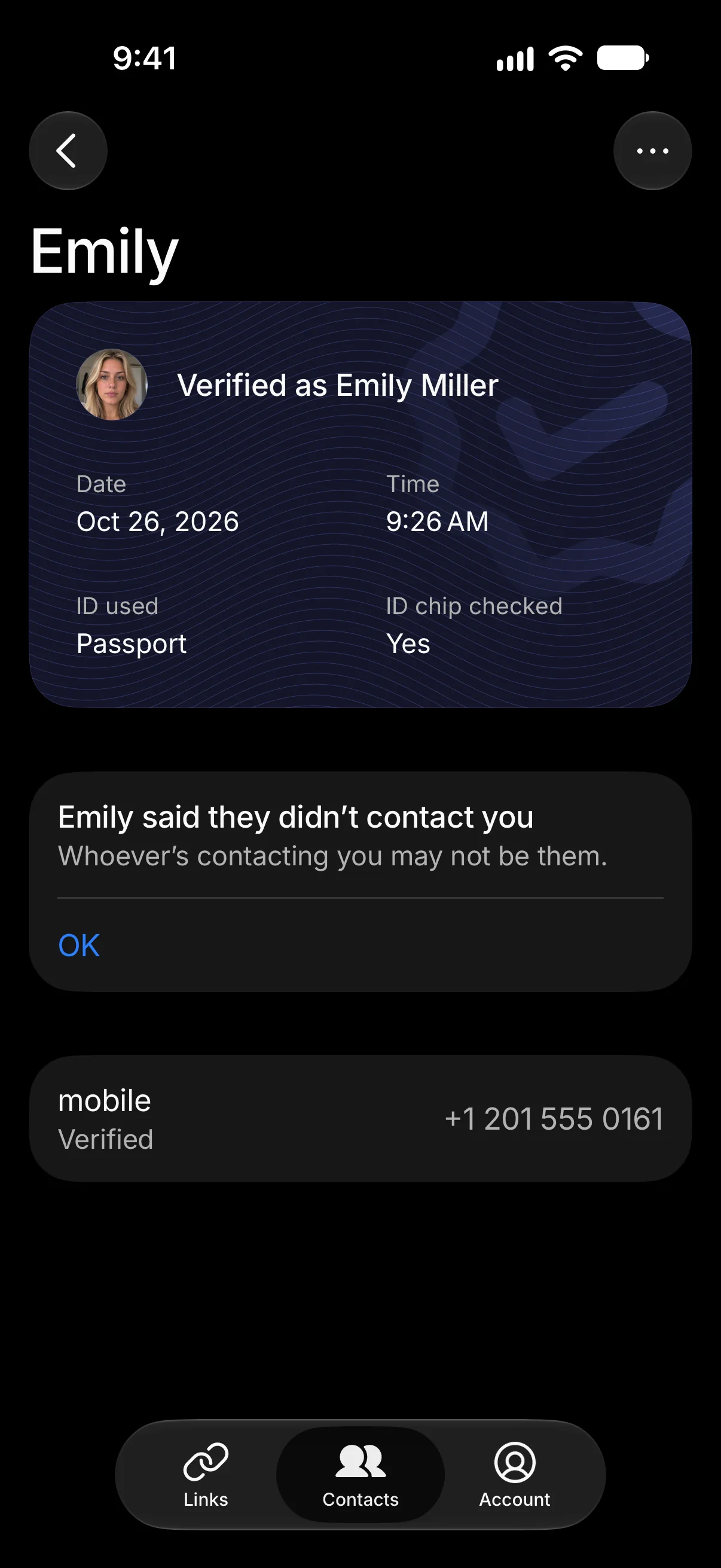
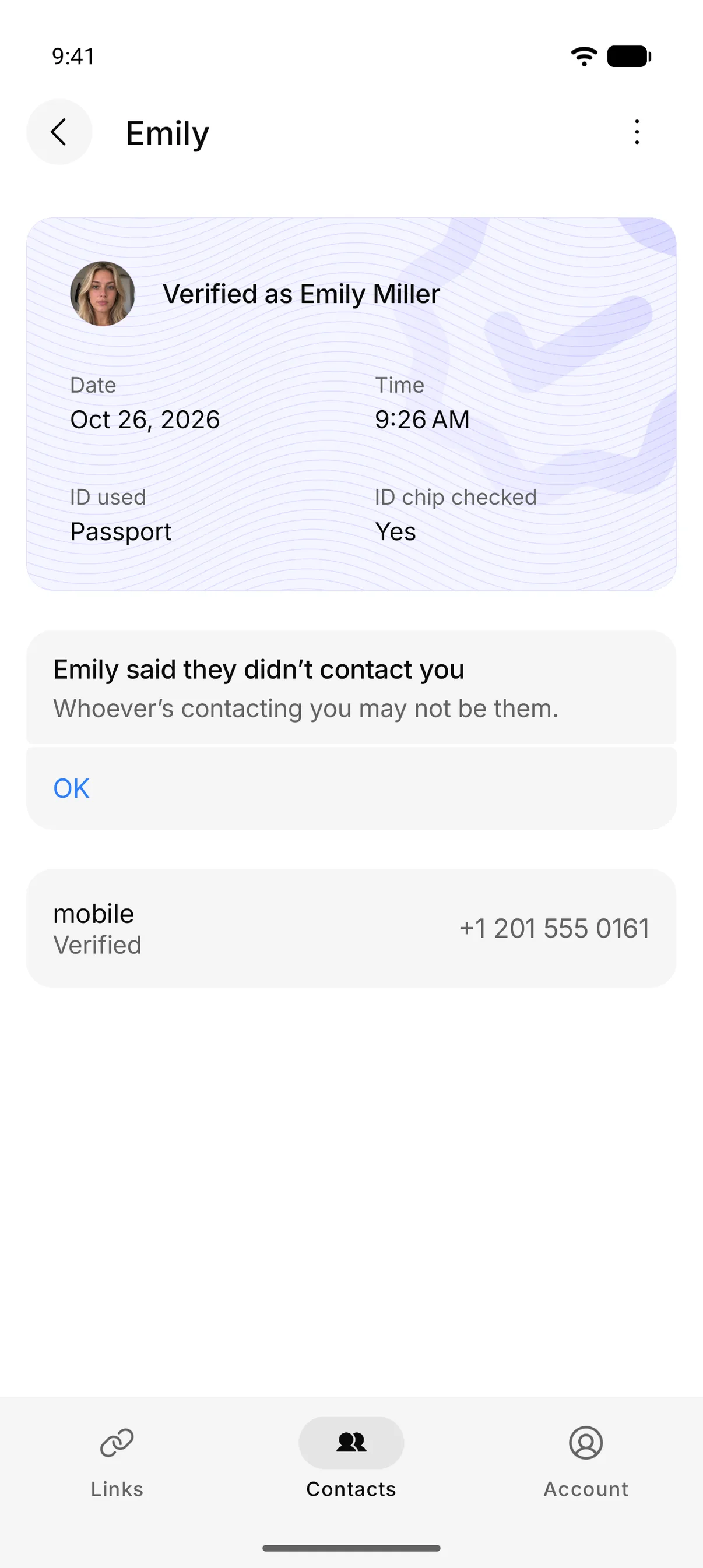
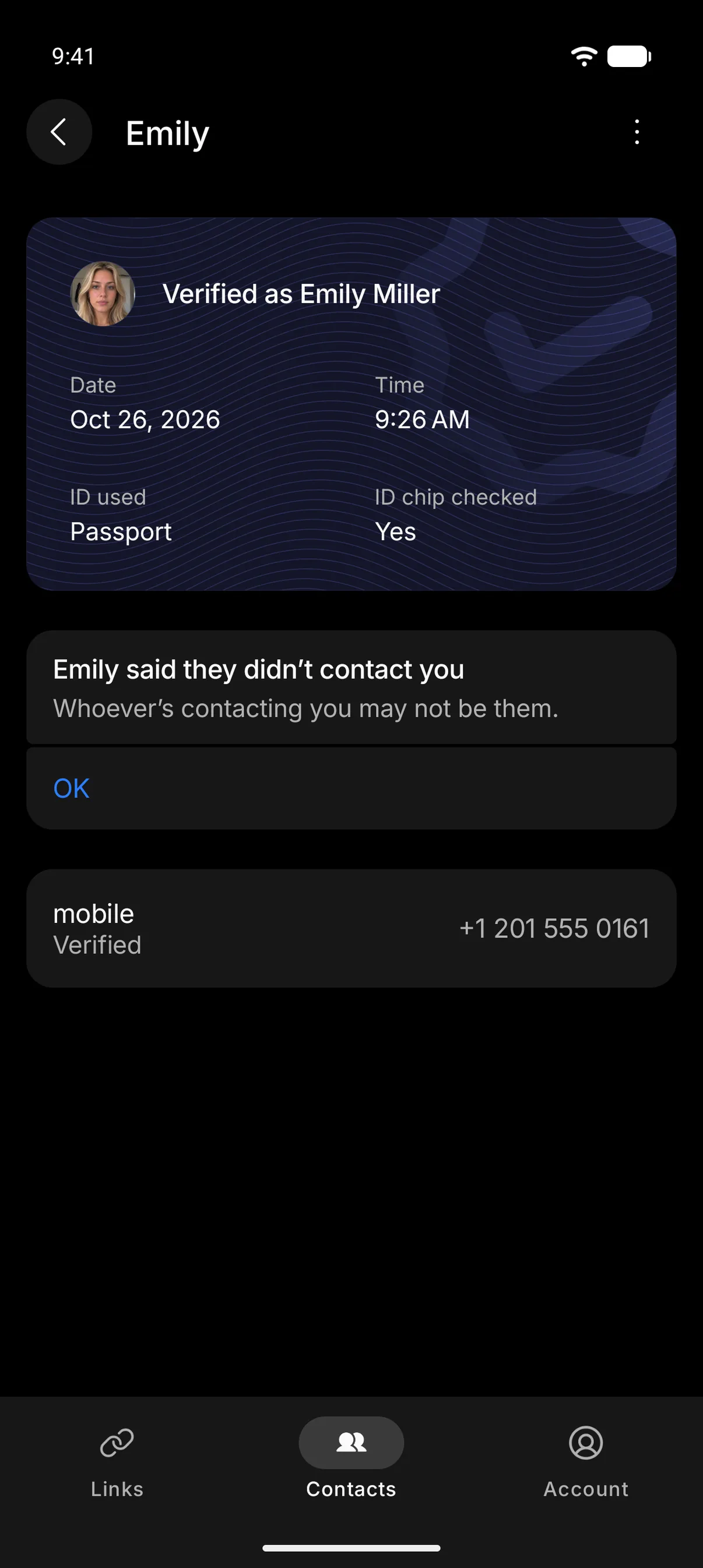
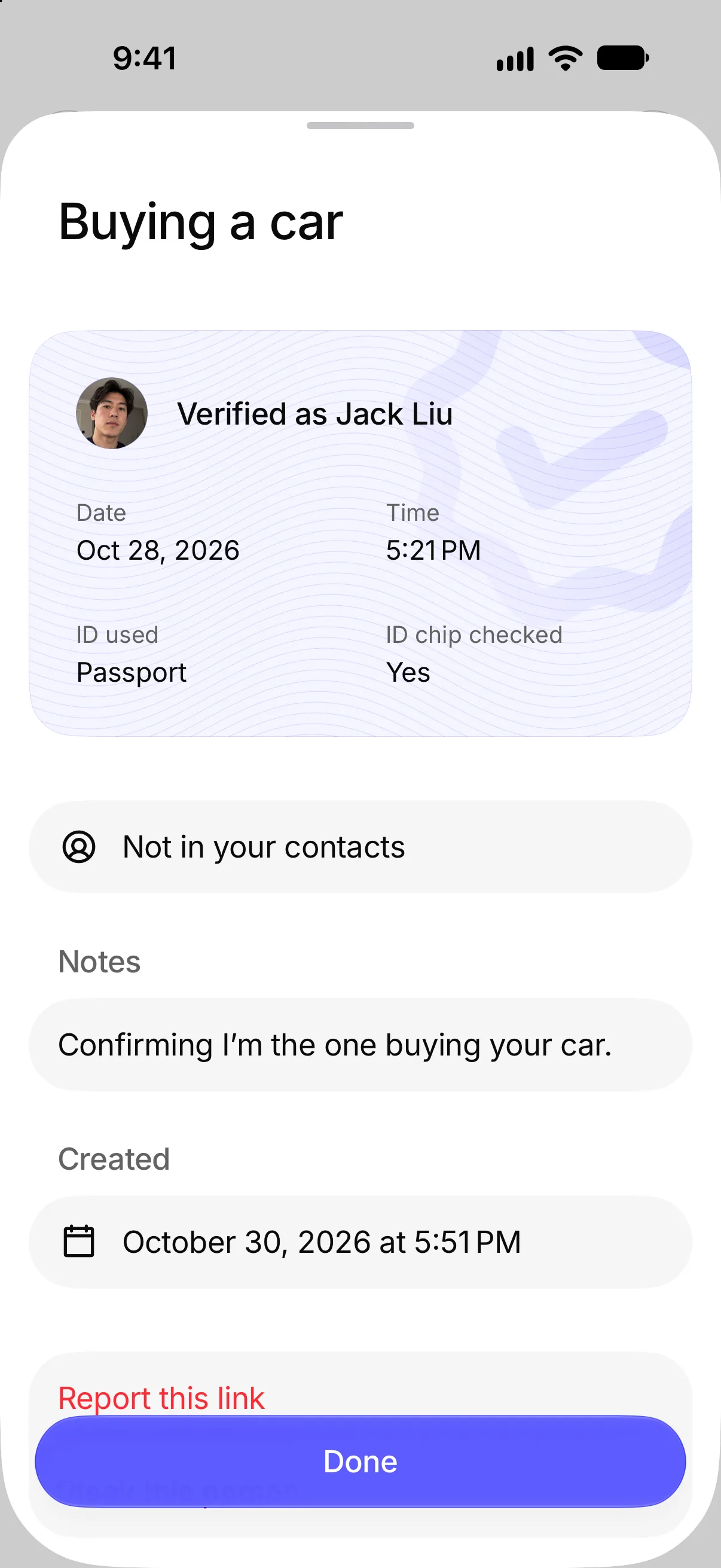
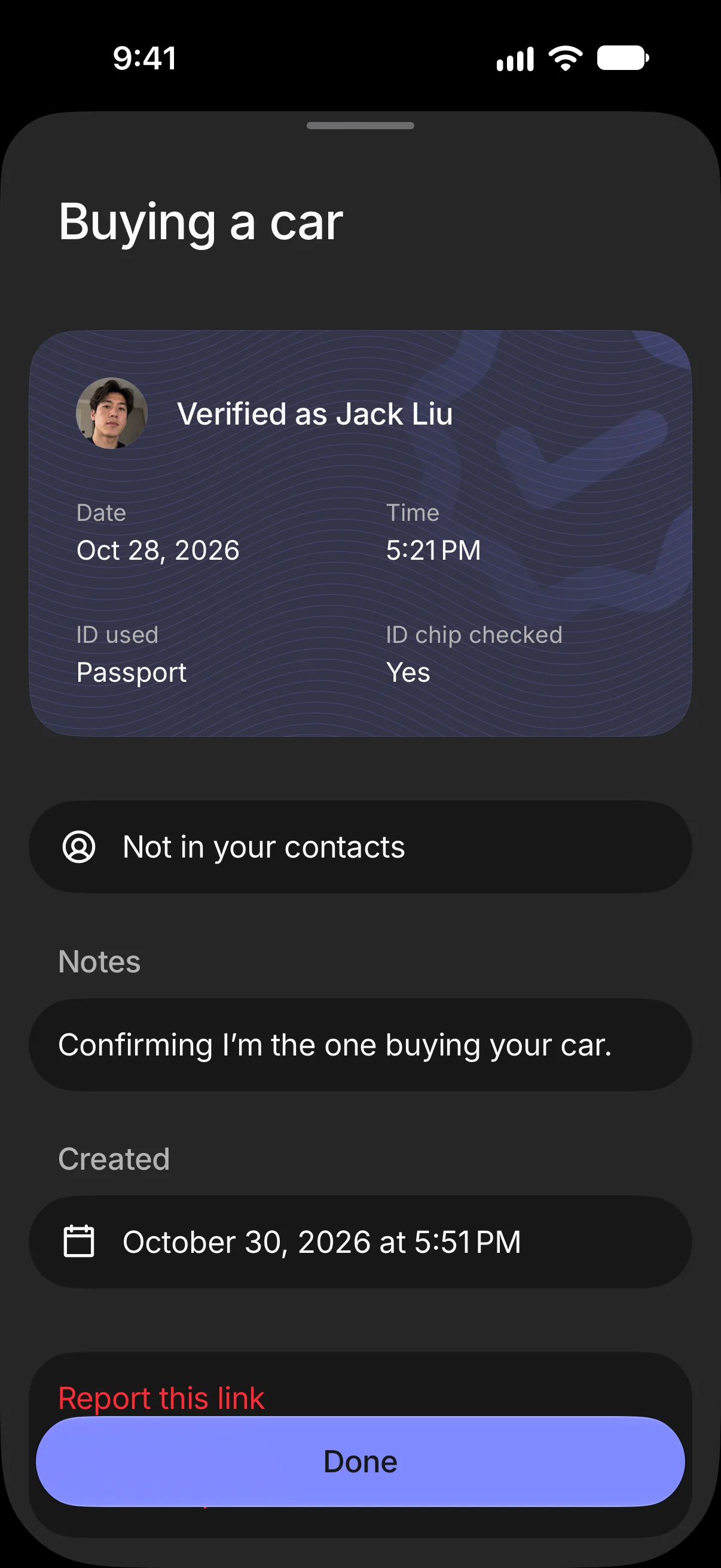
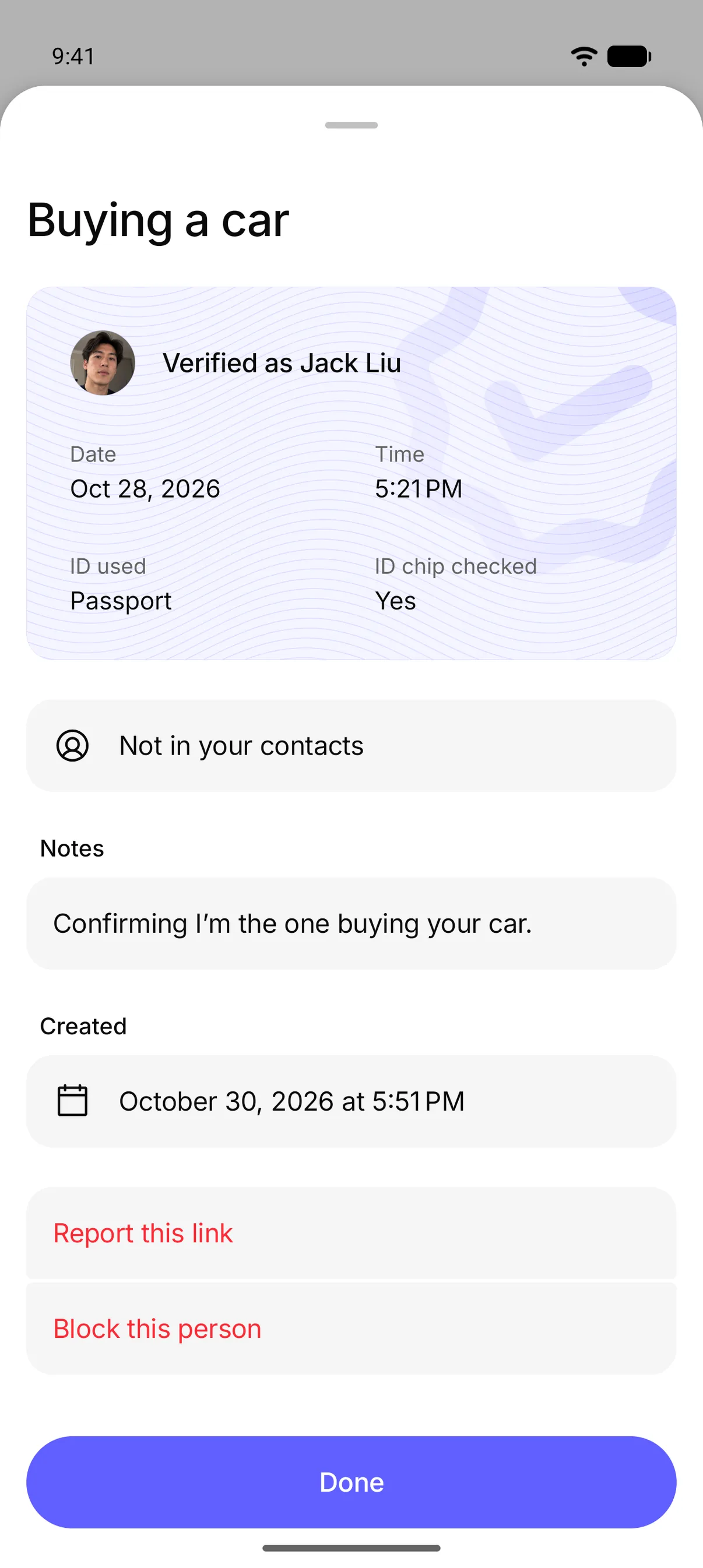
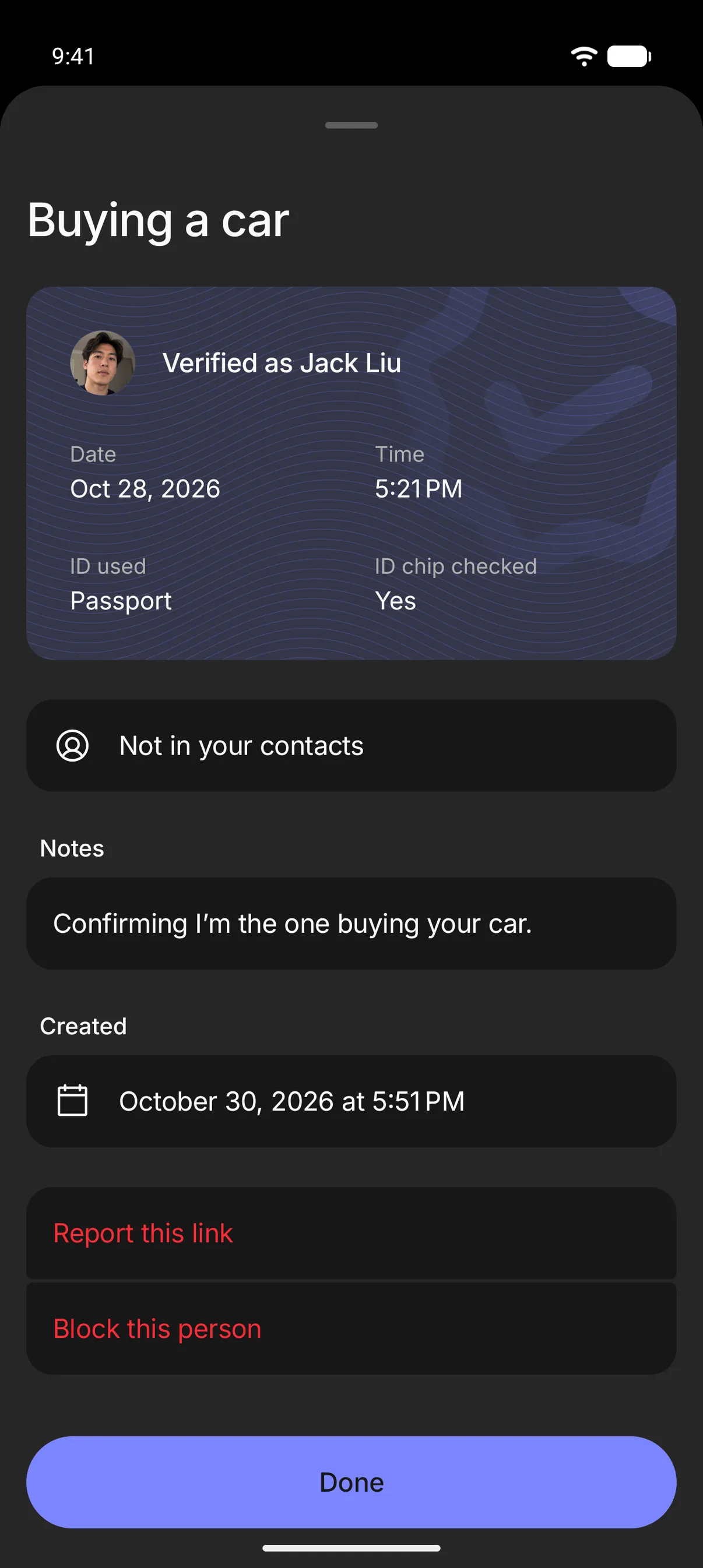
Check new numbers and strangers
Built to be private by default
Choose which contacts can see your profile
We never upload your contacts
We never sell your data
Common questions
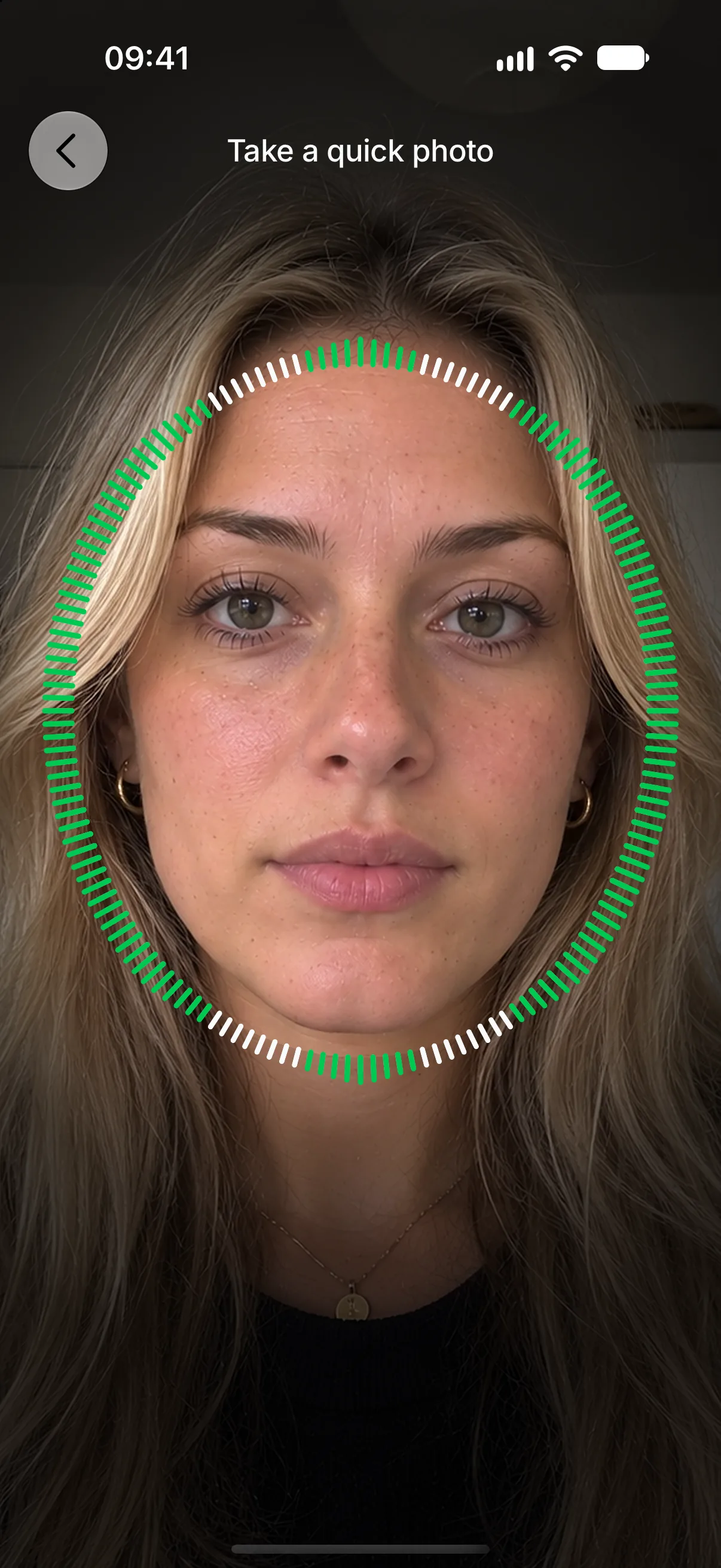
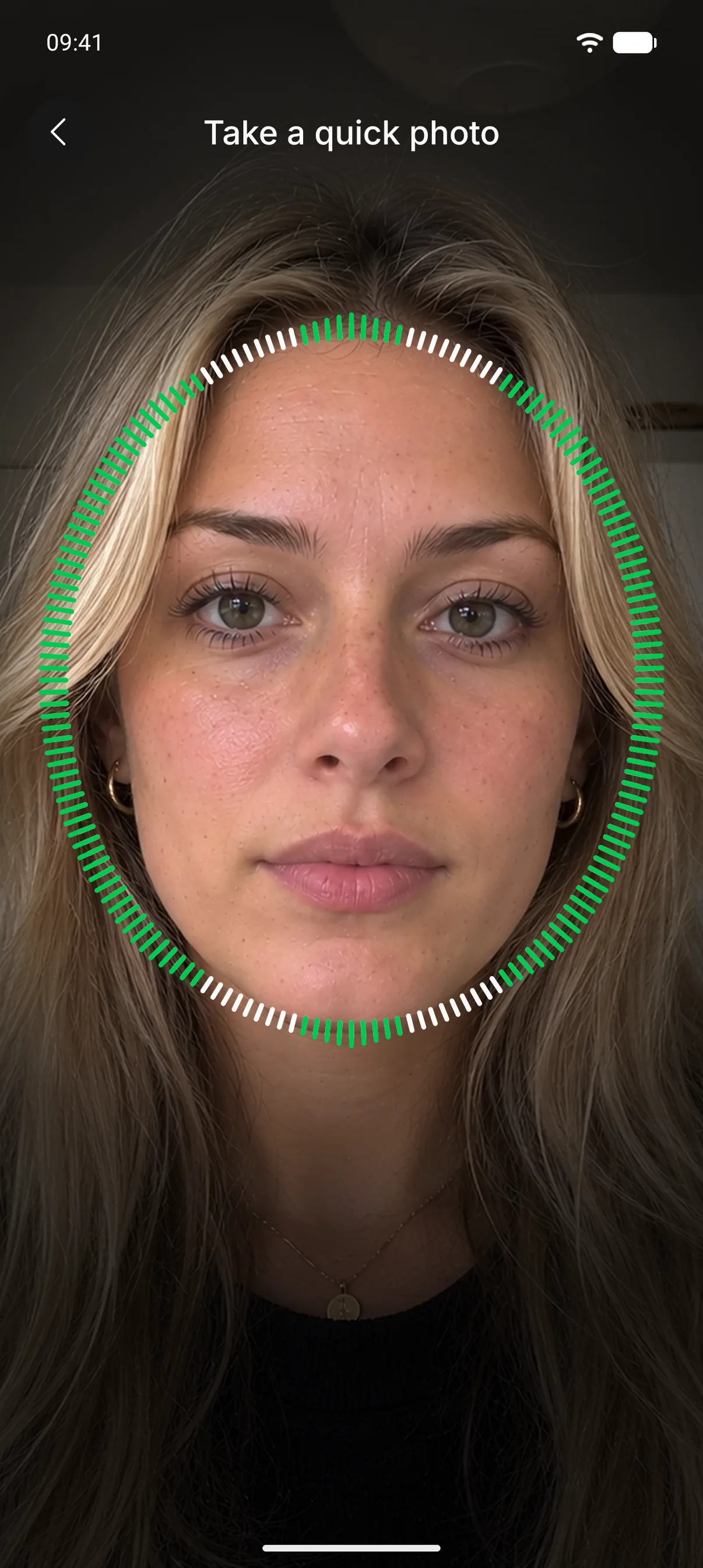
Sign up with a quick photo and your ID. Then ask a contact’s own phone to confirm it’s them with a quick photo and check you have the same two words. After a “lost phone” text, send them a link. You can also check a stranger’s link and share your own with people you’ve never met.
Yes. Check Twice is free.
We plan to offer paid features that help organizations stay secure.
Your phone number, a quick photo of your face and your UK or US passport, driver’s license or state ID card. You need to be 18 or older.
We keep your face photo encrypted to check it’s you later and to show on your verified card, unless you hide it. We delete it when you delete your account or after 24 months without using Check Twice. We never keep pictures of your ID or its number.
Only people in your contacts who also have your phone number, and anyone on Check Twice who opens a link you share. They see your face photo, which you can hide, and your full name as printed on your ID. If you want, you can choose to show it to anyone with your phone number.
Invite them from the app. Once they’re verified, you can check it’s really them whenever they contact you.
Your name comes from your ID, and every check needs a quick photo that matches yours, so someone using your name or phone number would also need your face to pass one.
No. Check Twice can’t see your messages or calls, and never uses your microphone or location.
In the UK and the US, on iPhone and Android phones. Somewhere else? Ask for your country.