How to check who’s really contacting you
The checks people use today
Messaging, calling and emailing are the most common ways we reach each other today. So when someone asks for money, a code or a favour, we assume the person on the other end is who they say they are. But how do you know? Let’s take a look at the most common options, and then we’ll show you the one that actually works.
| Option | Weakness |
|---|---|
| Ring them back |
|
| Check the caller ID |
|
| Ask a personal question |
|
| A family safe word |
|
| Recognise their voice |
|
| Video call them |
|
Every one of these relies on something a scammer can get hold of, a phone number, an account or a few facts and clips from your life. None of them checks the person on the other end.
What actually proves it’s them
Although scammers can easily steal your digital identity, one thing they can’t steal is your physical identity, whether that’s your iris, face or fingerprint. That makes it the most reliable proof of who someone is, and it is exactly what Check Twice uses. Check Twice is a free app for verifying that whoever contacts you is who they say they are. The person contacting you takes a quick photo, live on their own phone, and it’s matched against the face photo they signed up with, which was checked against their photo ID. They can prove it’s them on their own phone, in a browser when their phone is out of reach or with a link they can send to anyone, even a stranger, which opens in the app.
How to check someone on Check Twice
A contact with their phone
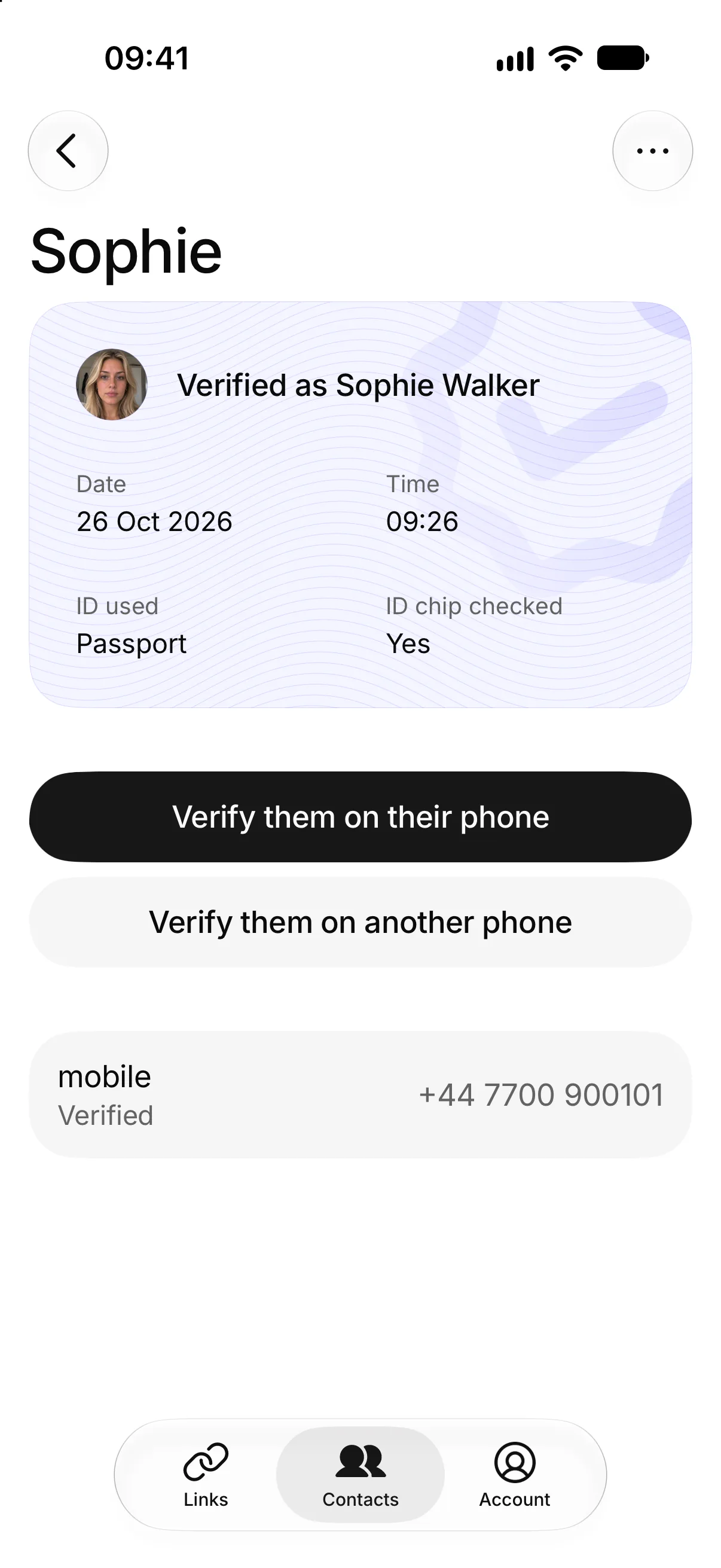
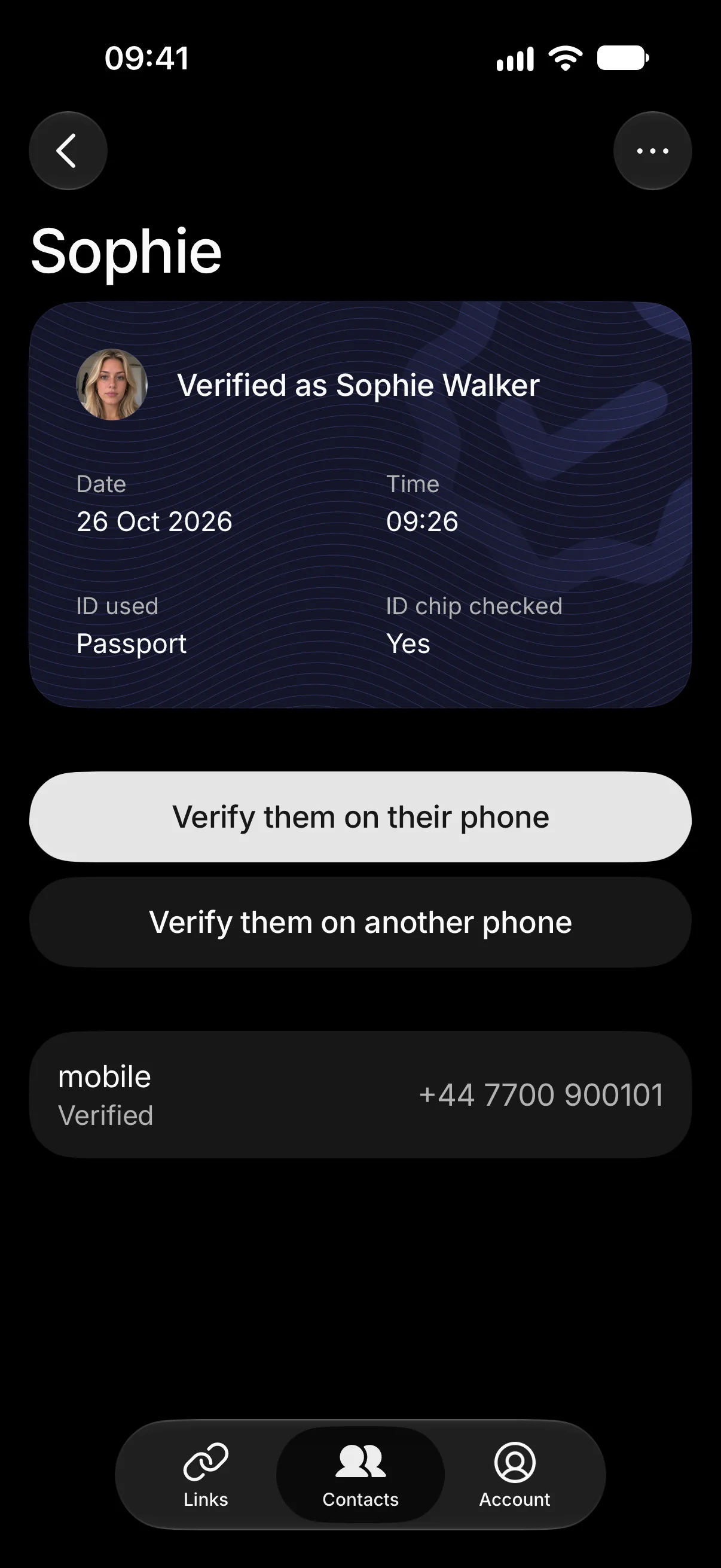
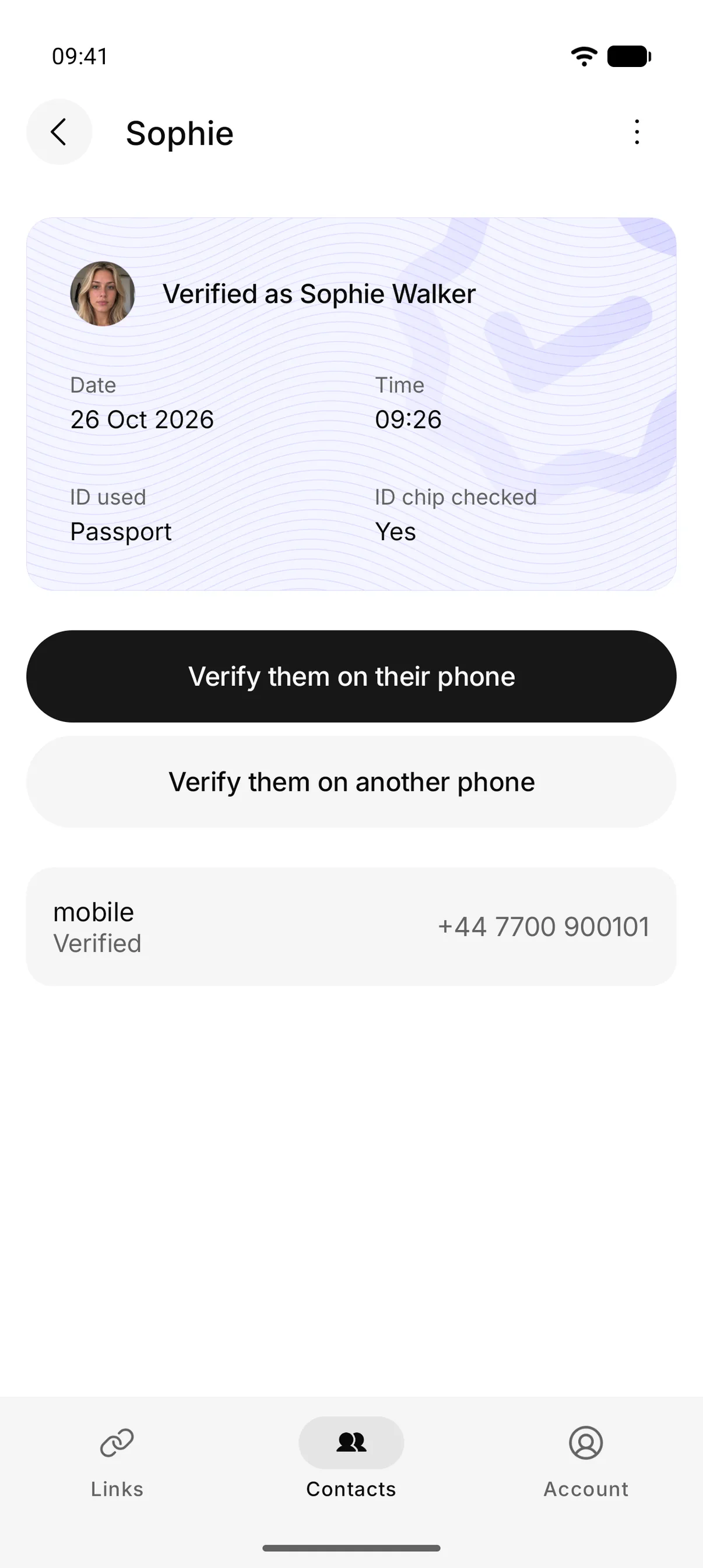
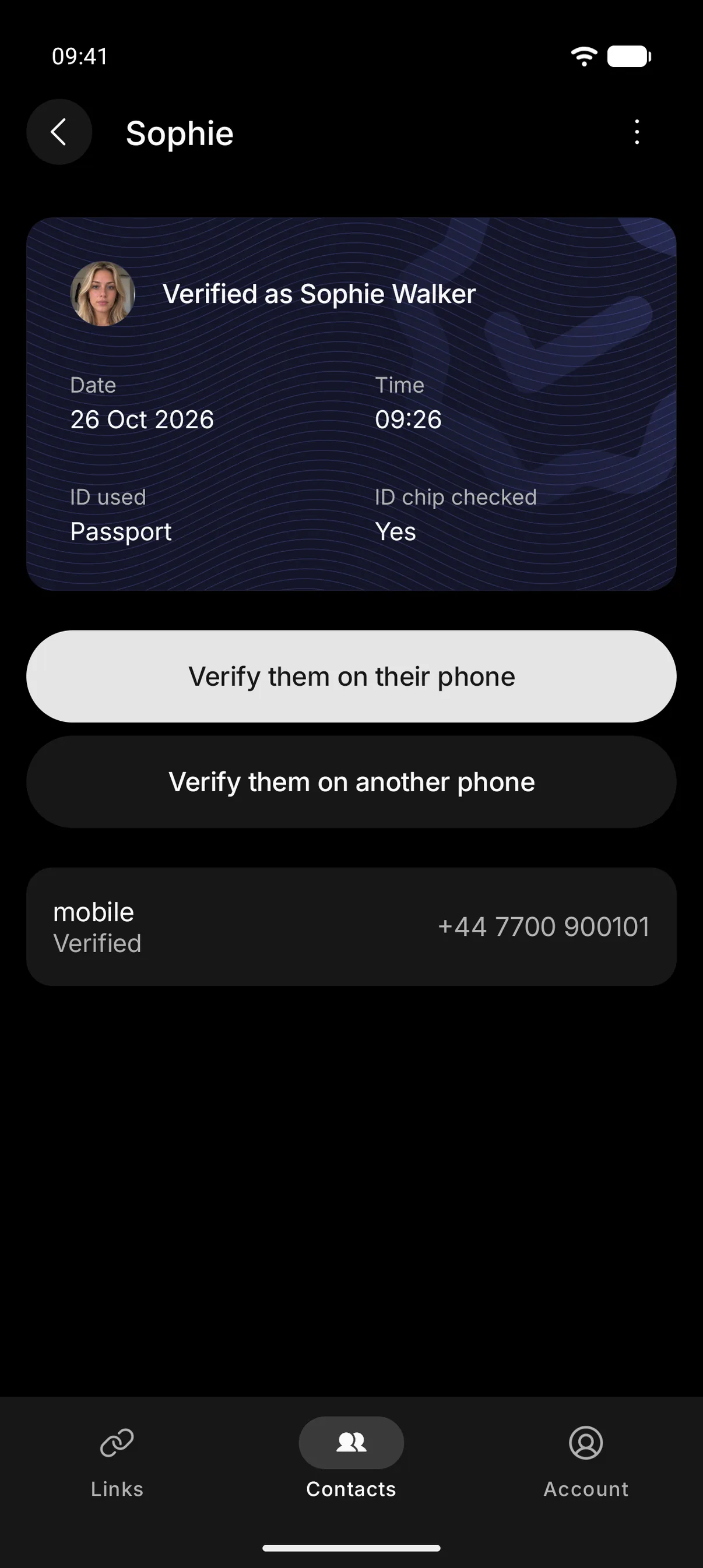
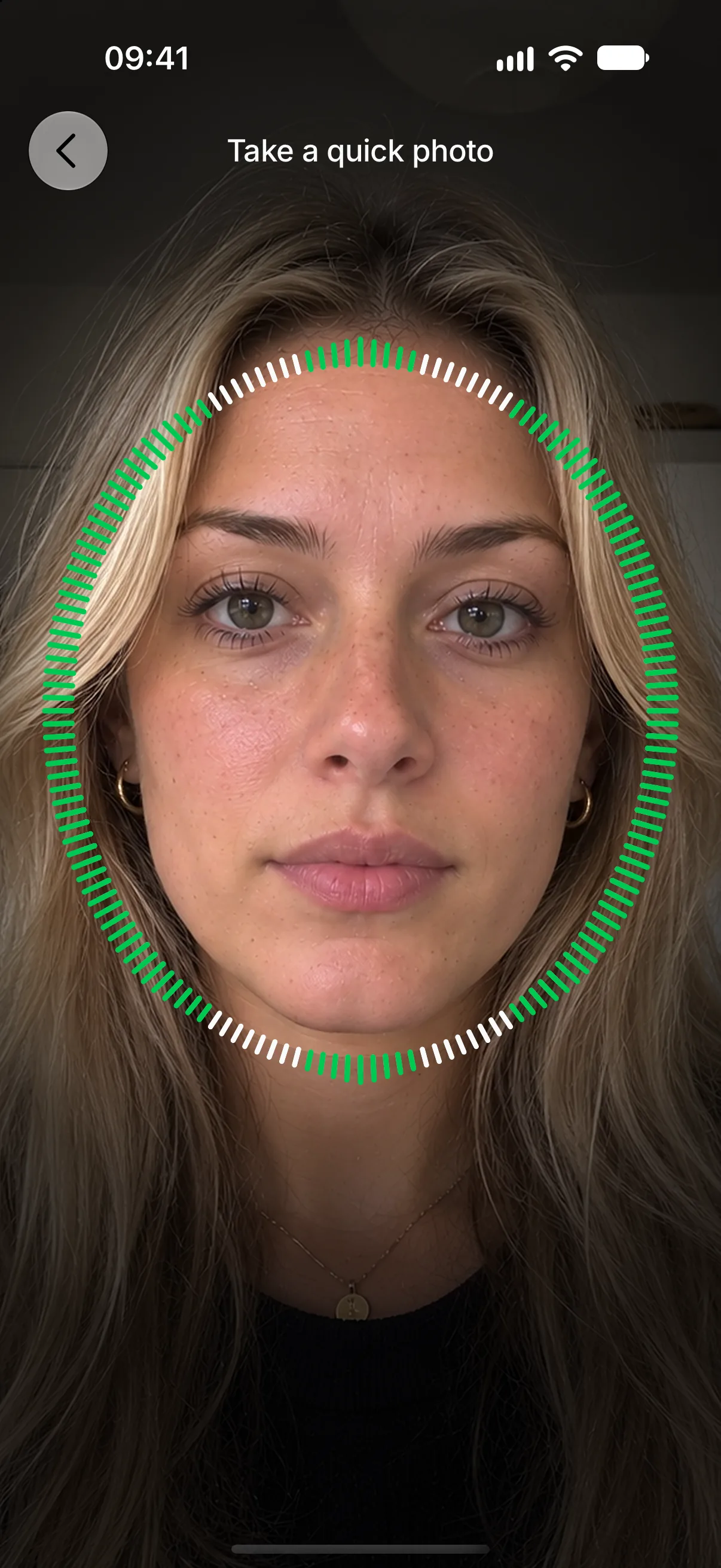
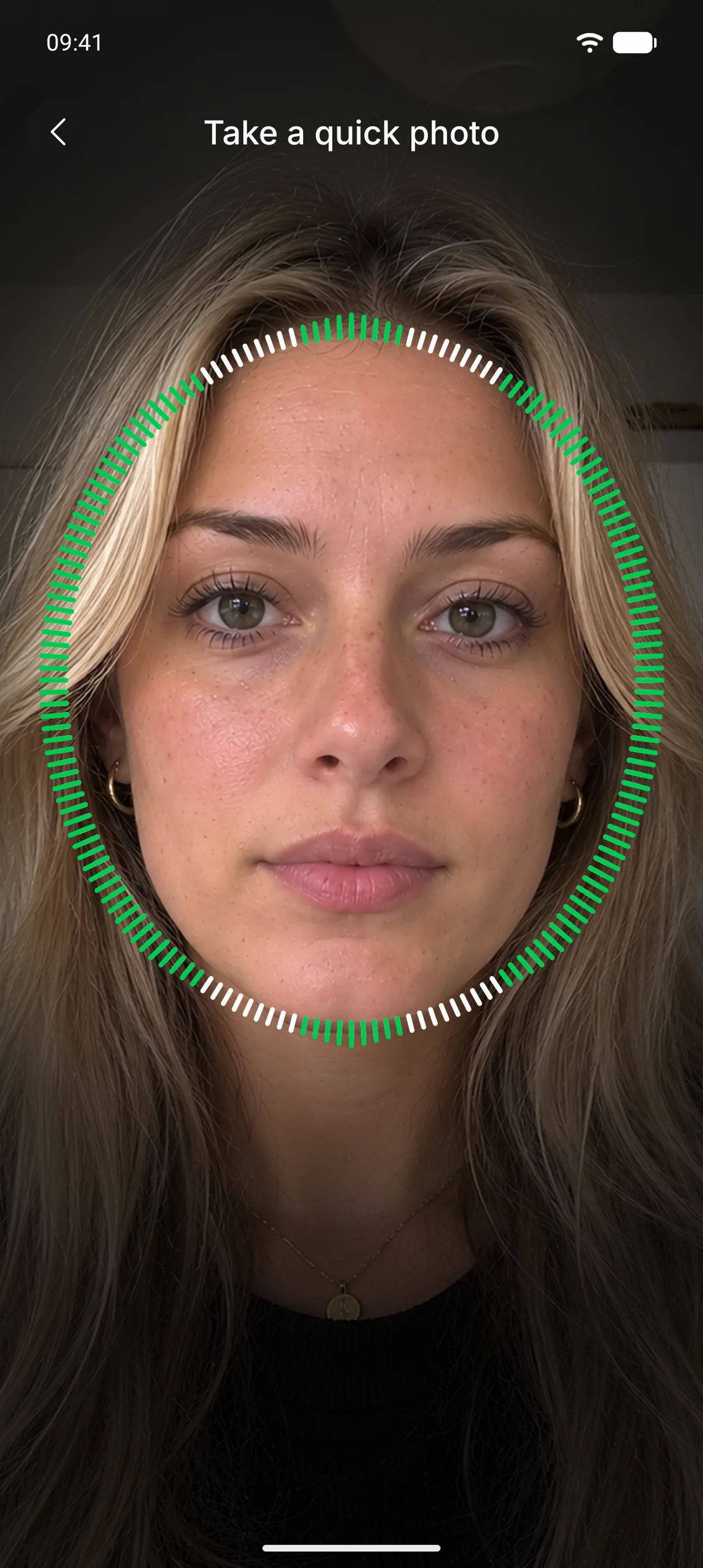
Open their contact and tap “Verify them on their phone”. The request goes through the app to the phone they already use, so a scammer with a new phone number or a stolen account never sees it. If someone has taken their phone, that doesn’t help them either. Confirming takes a quick photo with a liveness check, so a photo or video of them won’t pass it. Signing in to Check Twice requires a quick photo too.
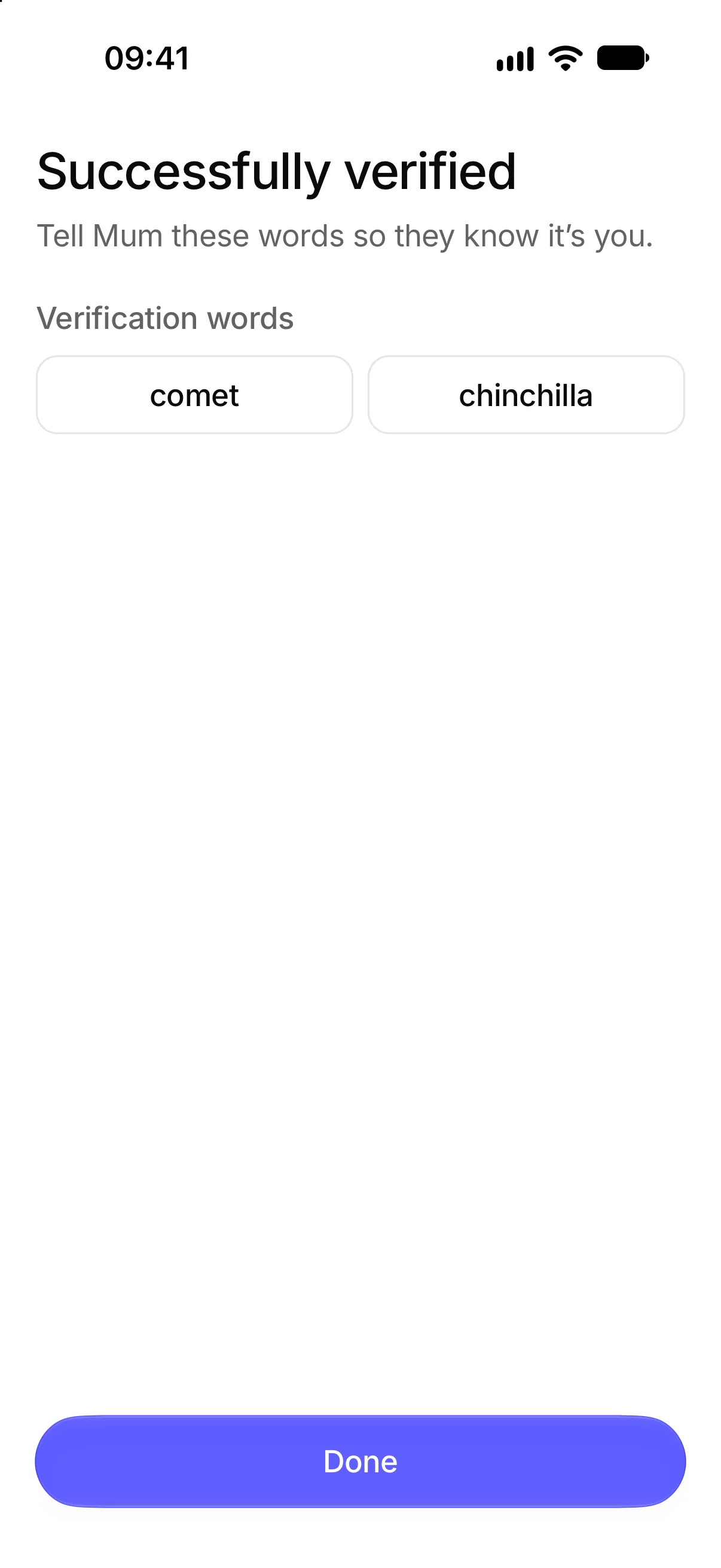
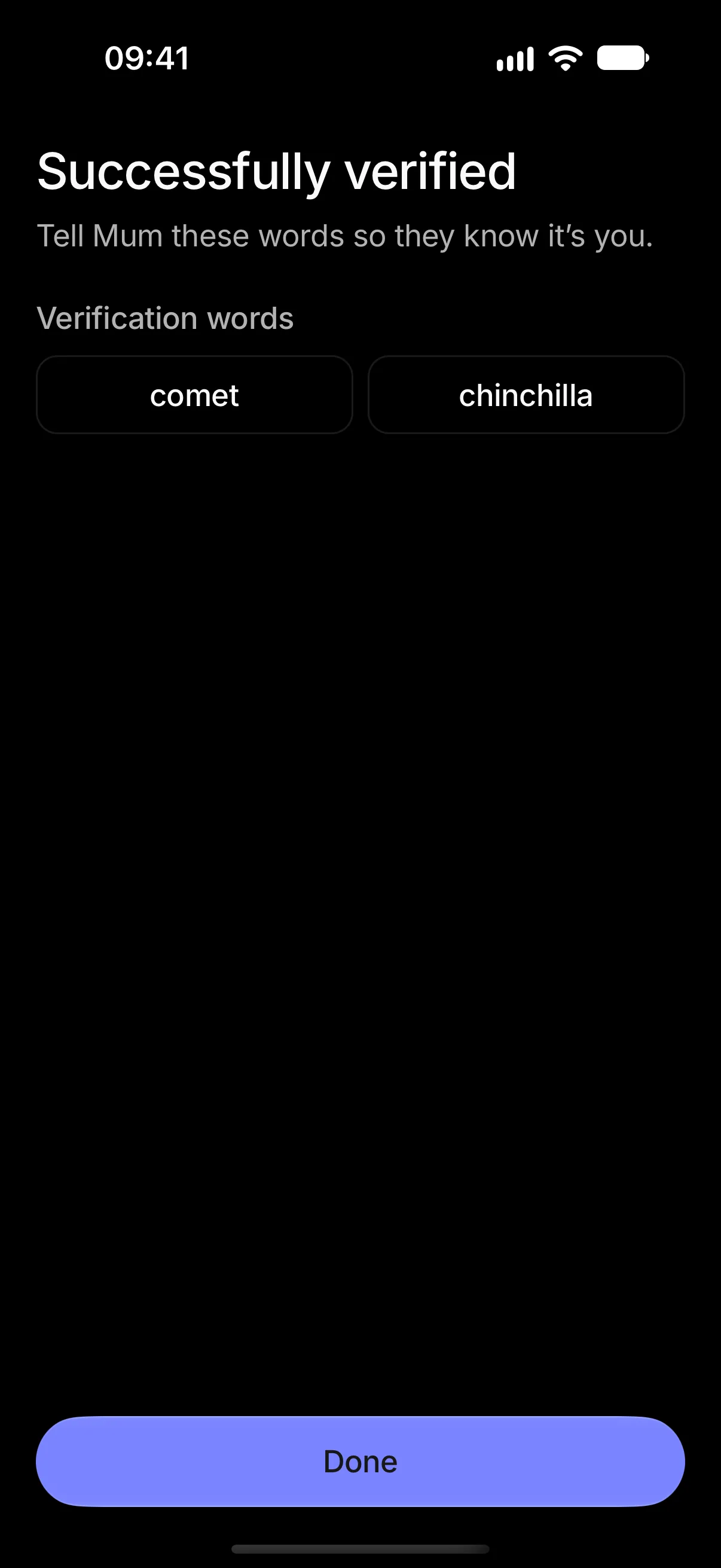
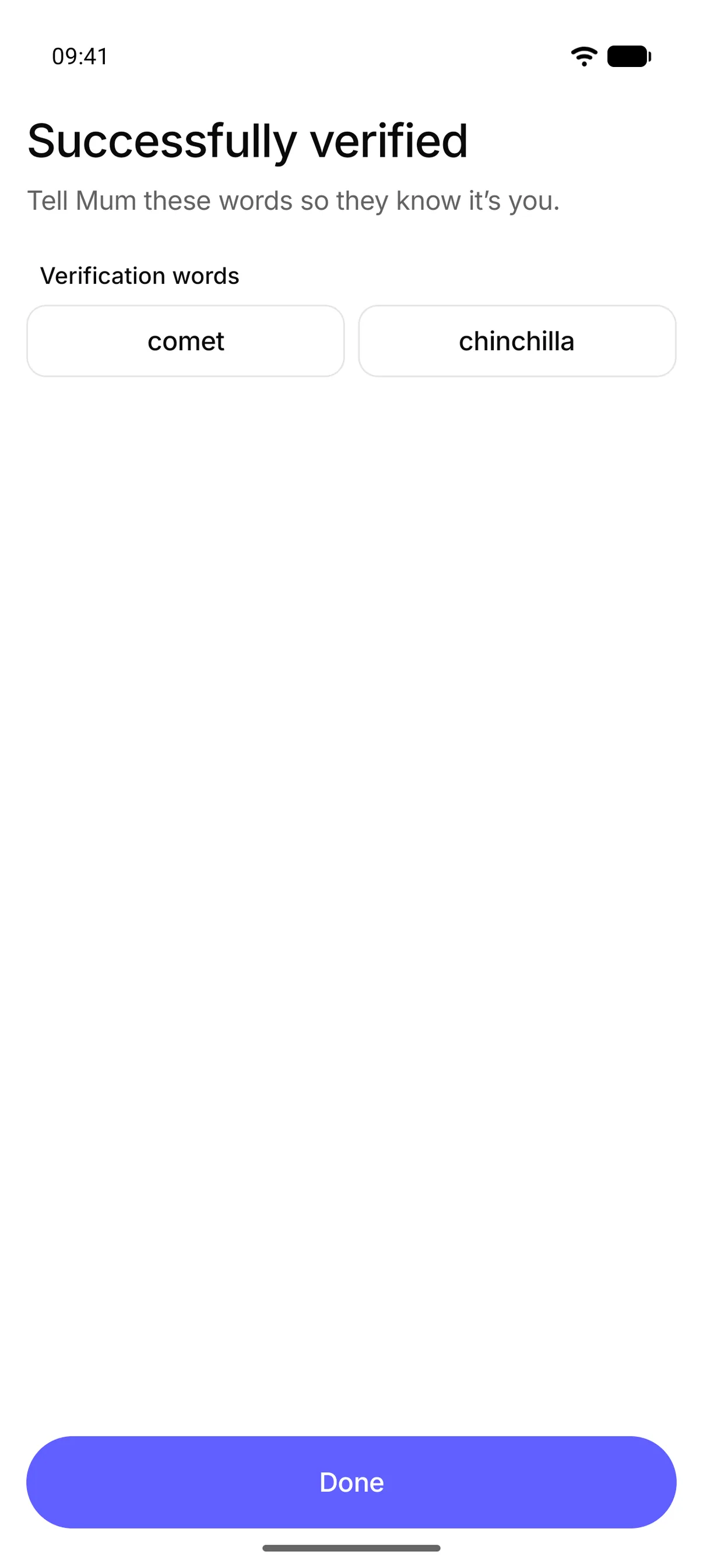
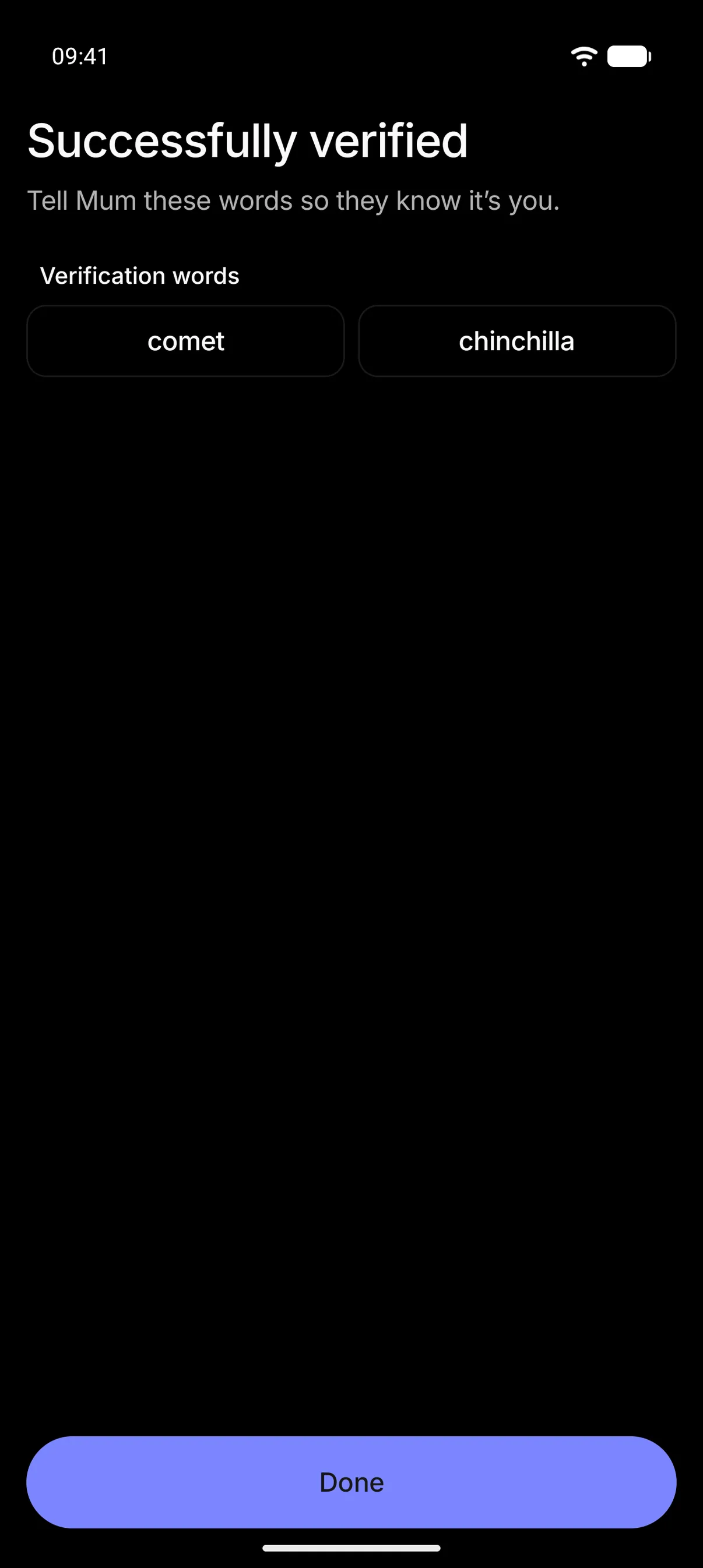
You both get the same two words, so ask the person messaging you what theirs are. The words only appear on the phone that passed the check, so a scammer messaging you from somewhere else can’t know them, even if the real person has just confirmed without realising why. The result shows on their contact page on your phone, and if they say it wasn’t them or don’t answer in time, you’re warned.
A contact without their phone
Tap “Verify them on another phone” and text the link to the phone number they’re writing from. Whoever has that phone has to take a quick photo in the browser with the same liveness check and it’s matched against the face on their profile. A scammer holding that phone number can’t pass it with their own face, a photo or video of the real person fails the liveness check and the result shows on their contact page on your phone.
A total stranger
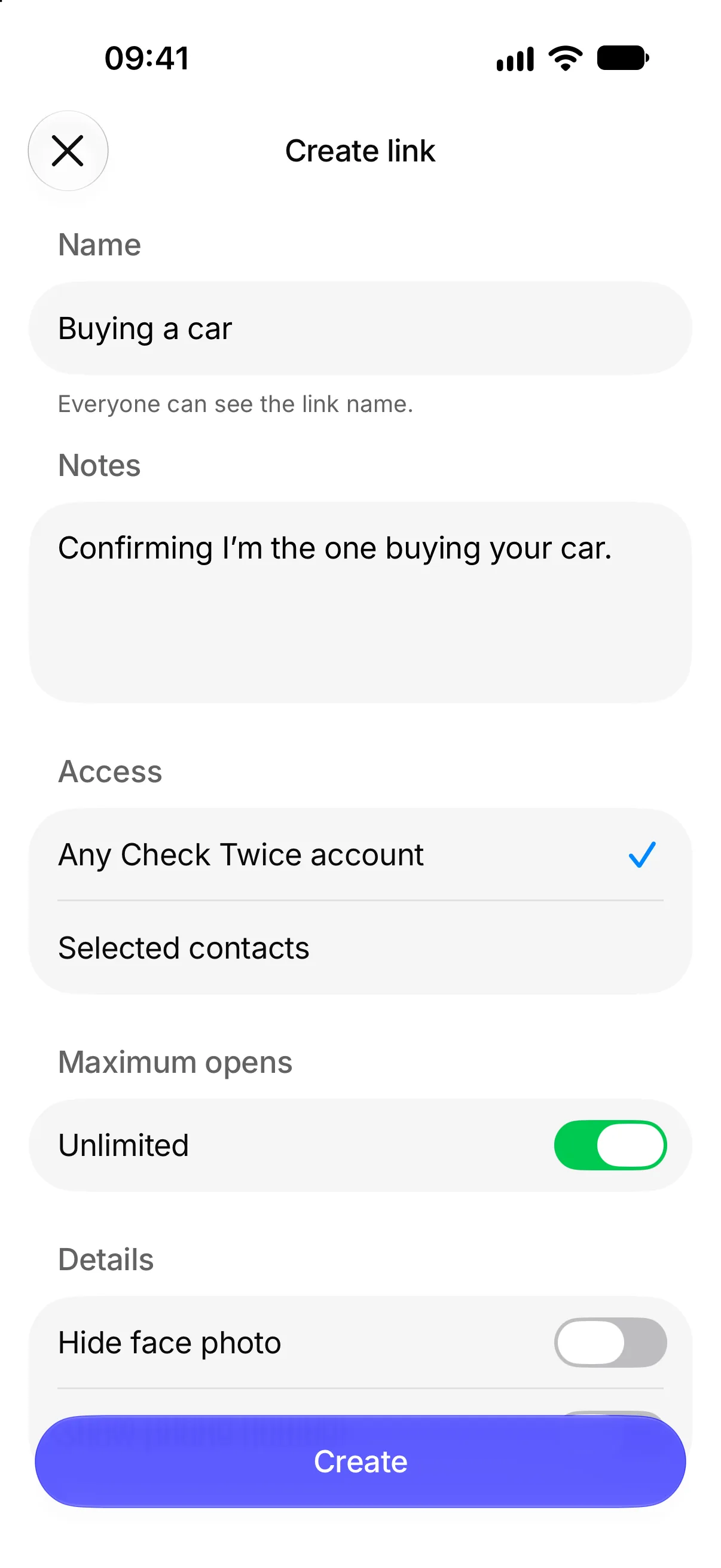
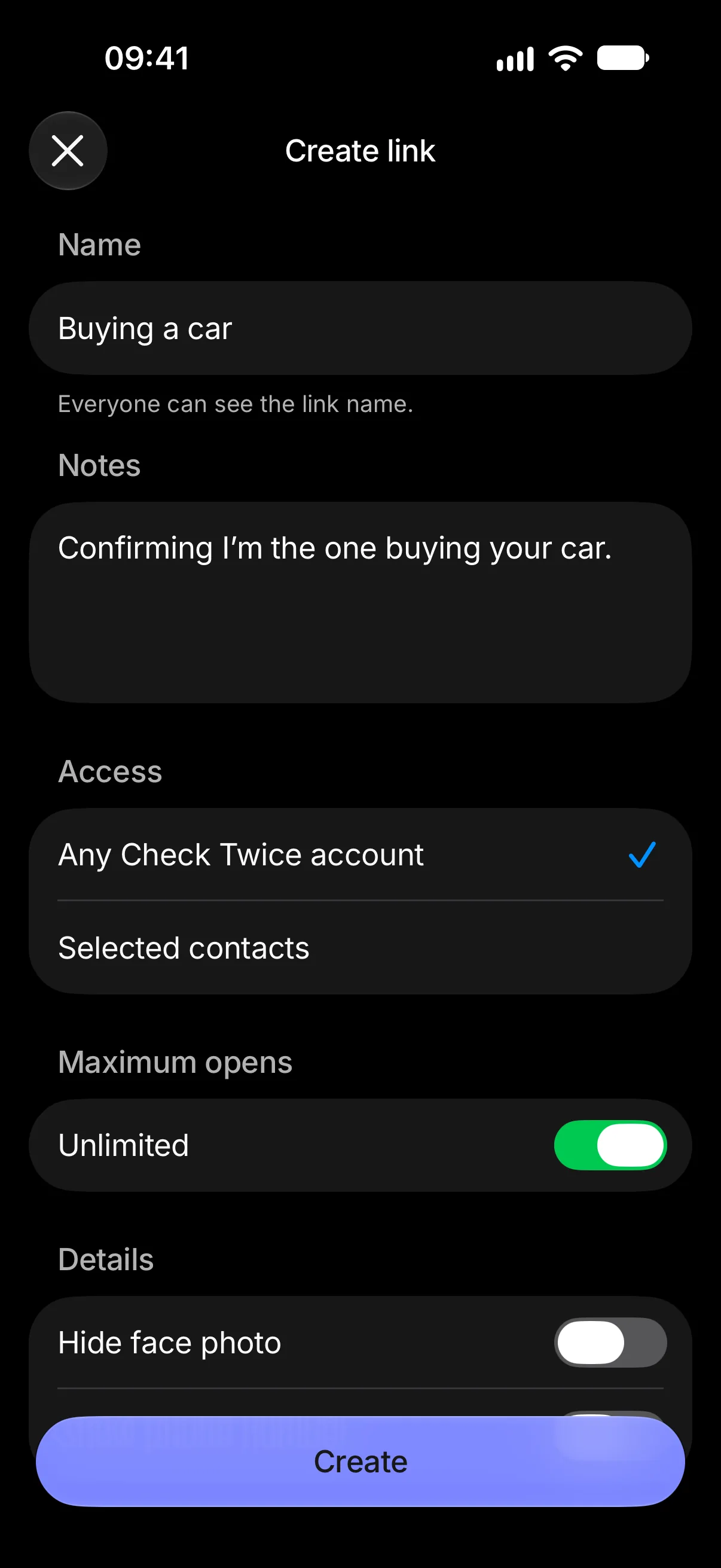
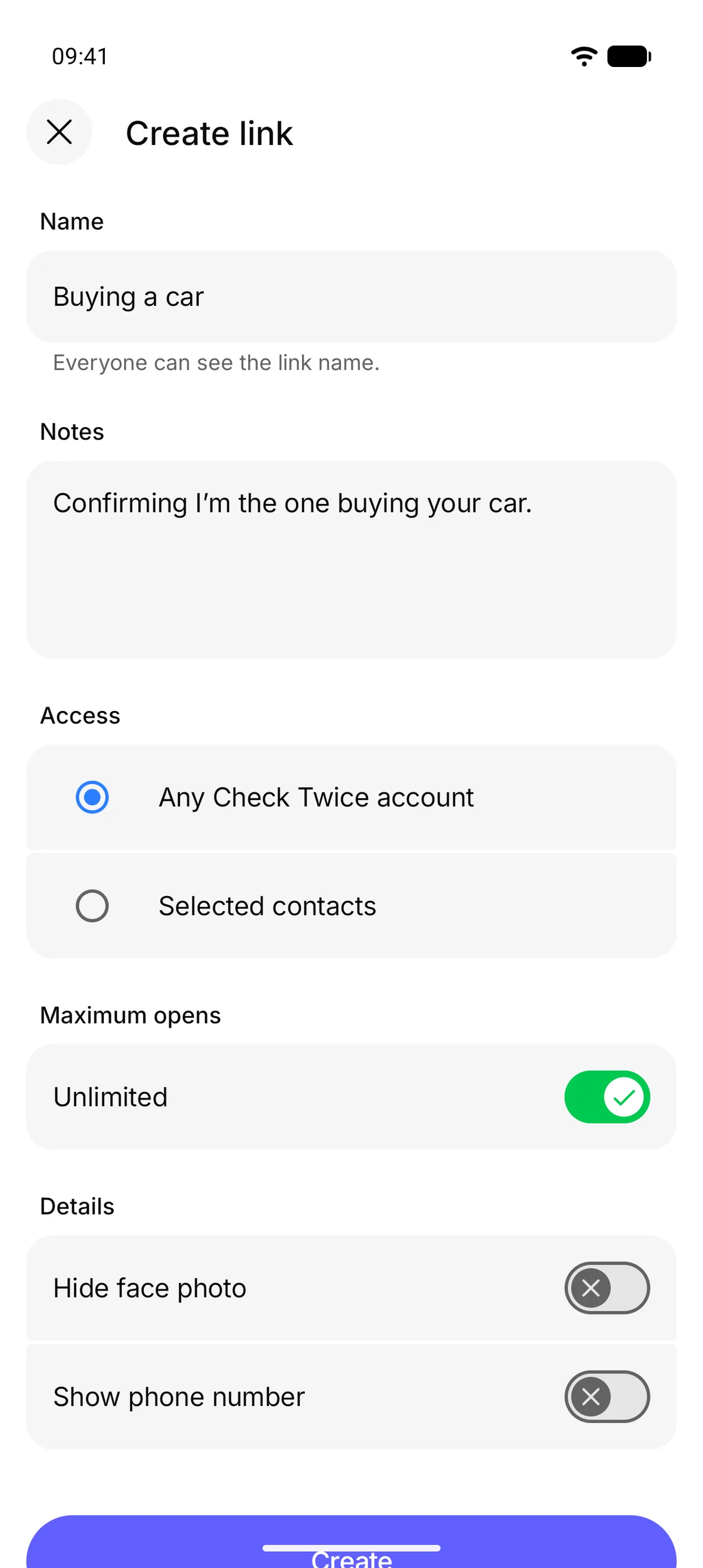
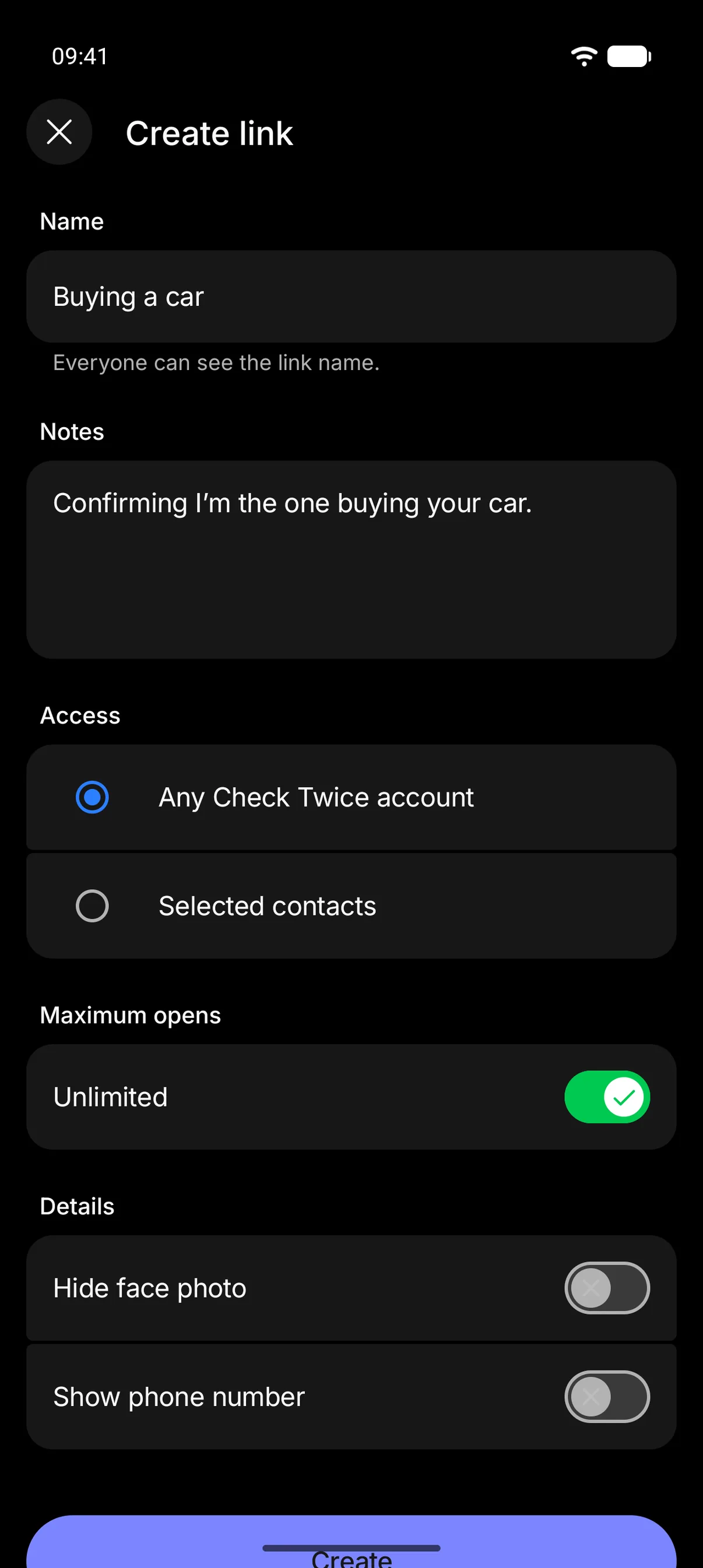
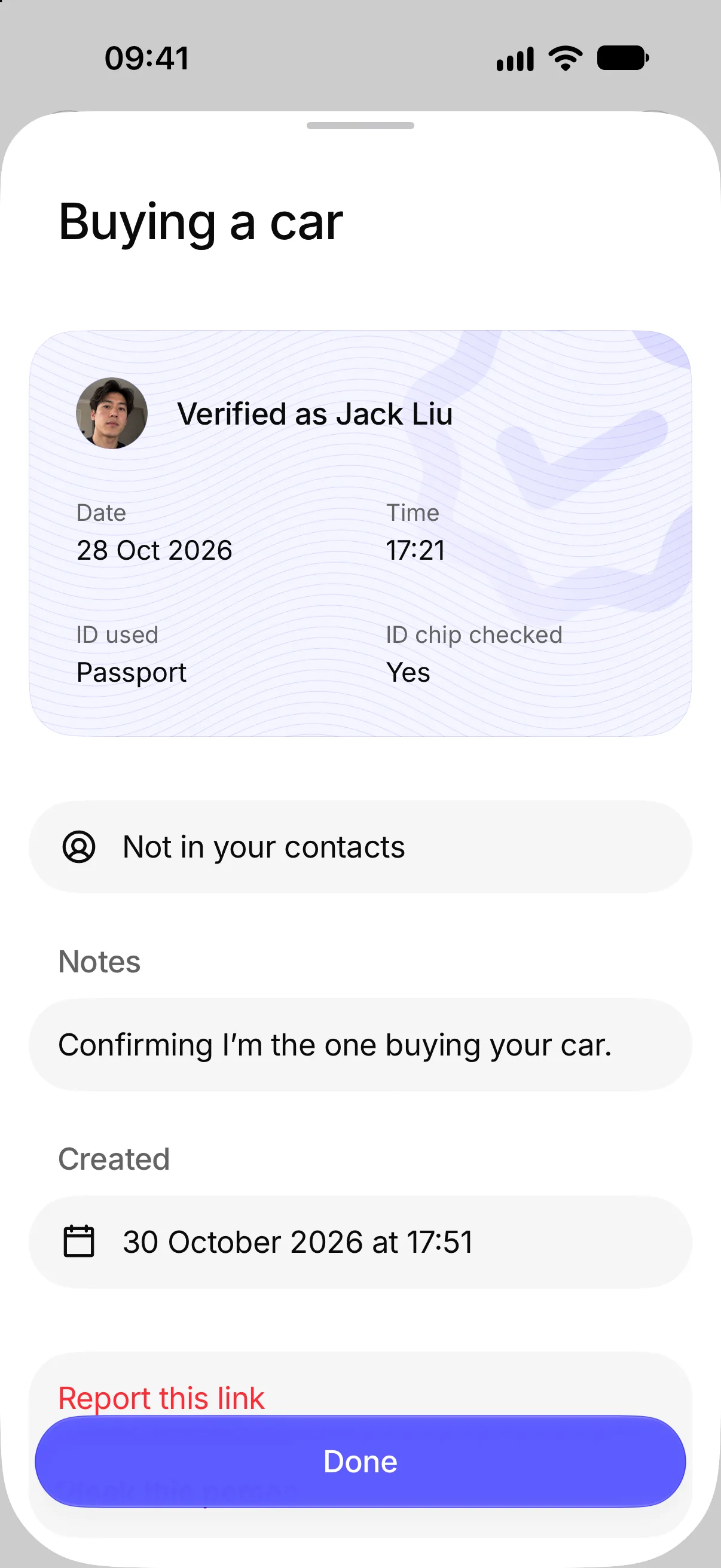
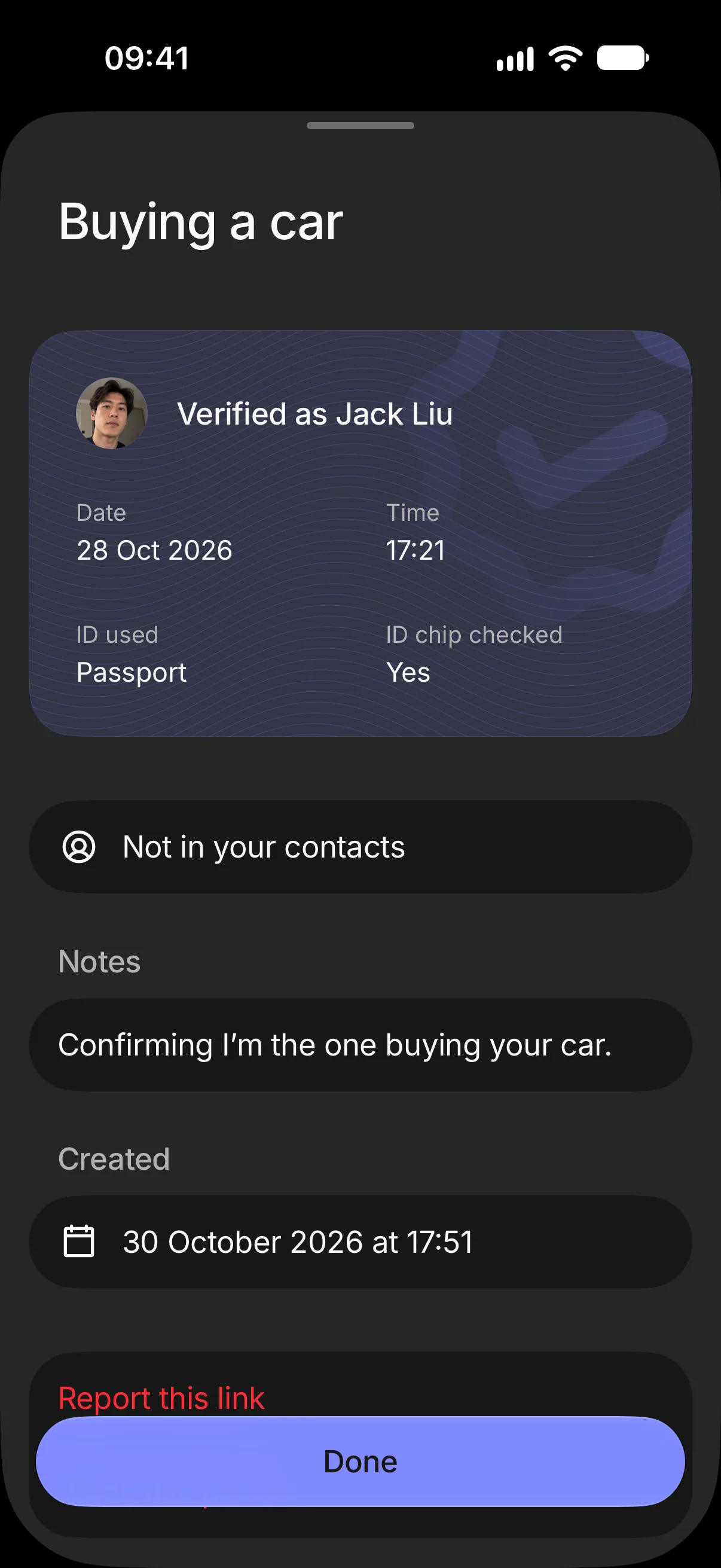
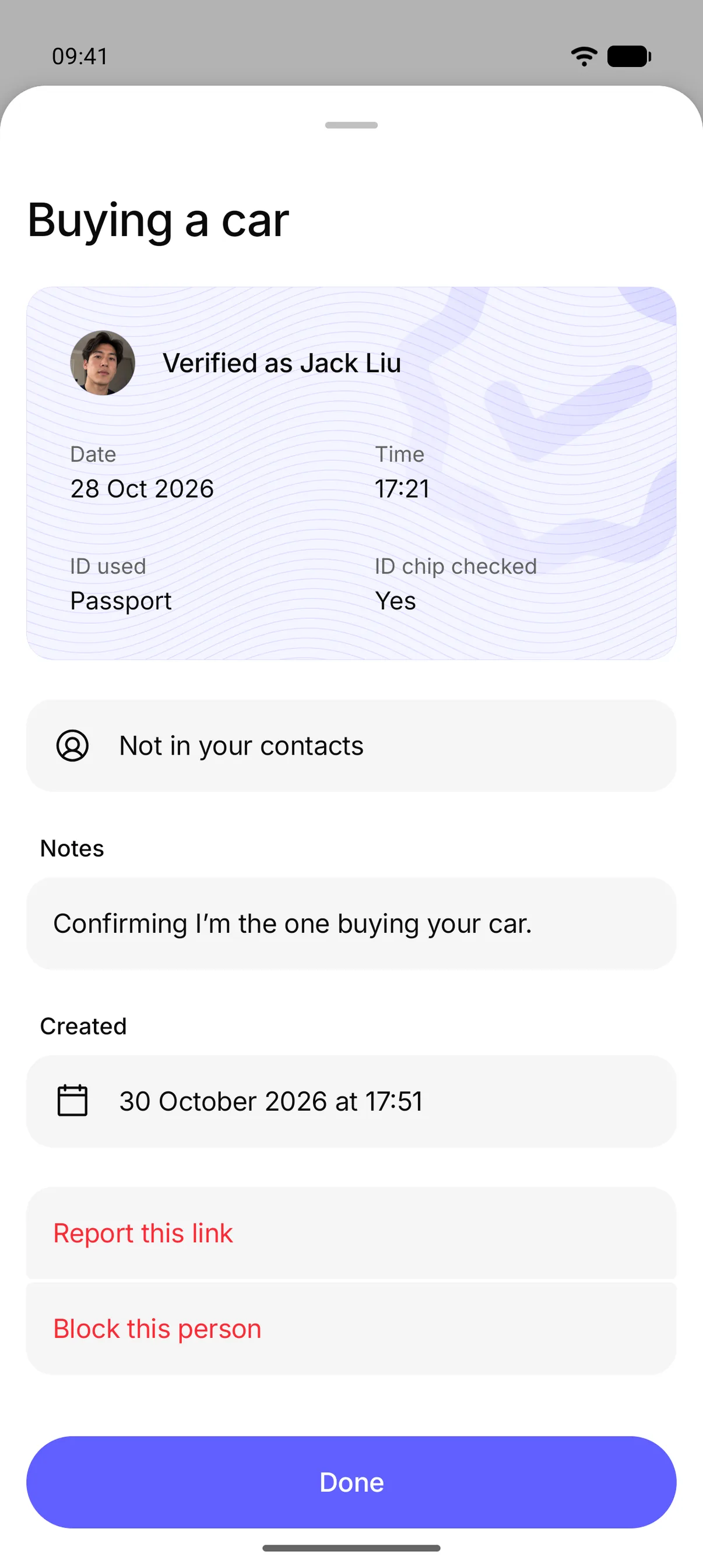
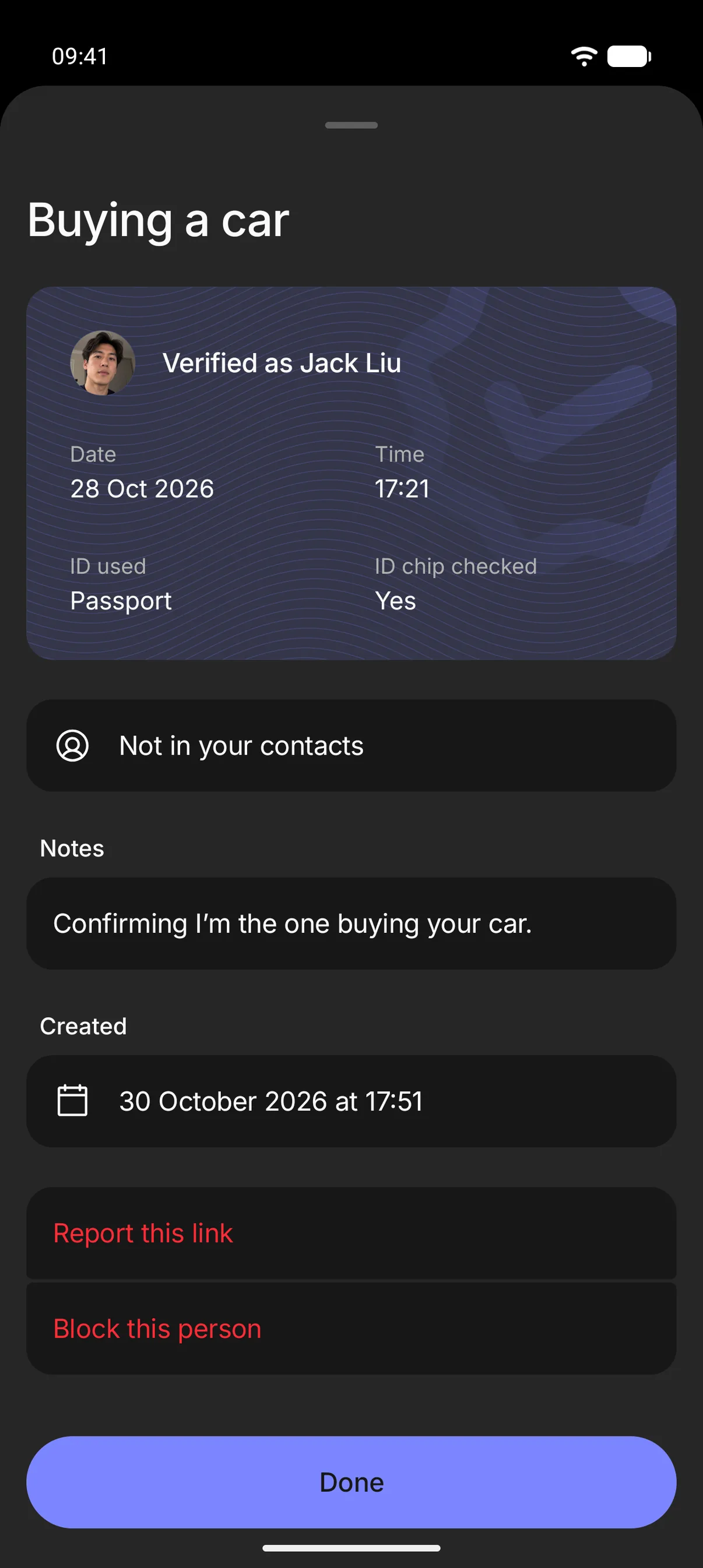
Ask them for their Check Twice link. It opens in the app and shows who they are, their full name as printed on their photo ID and their face photo, checked against that ID when they signed up. Every link is made for a purpose, with a name the maker has to give and a note they can add, such as “Buying a car”, so one can’t be passed off as something else. The maker can cap how many times it opens and sees every open and when, so a scammer can’t reuse one.
If they’re not on Check Twice yet
Verification works between people who both have a Check Twice account, so get the people you want to check to download the app and sign up too.
Check Twice is free, and setting up only takes a quick photo and your passport, driving licence or state ID card.