How can we help?
Answers for everyone using the Check Twice app. For organisations and developers, visit the docs.
Contact us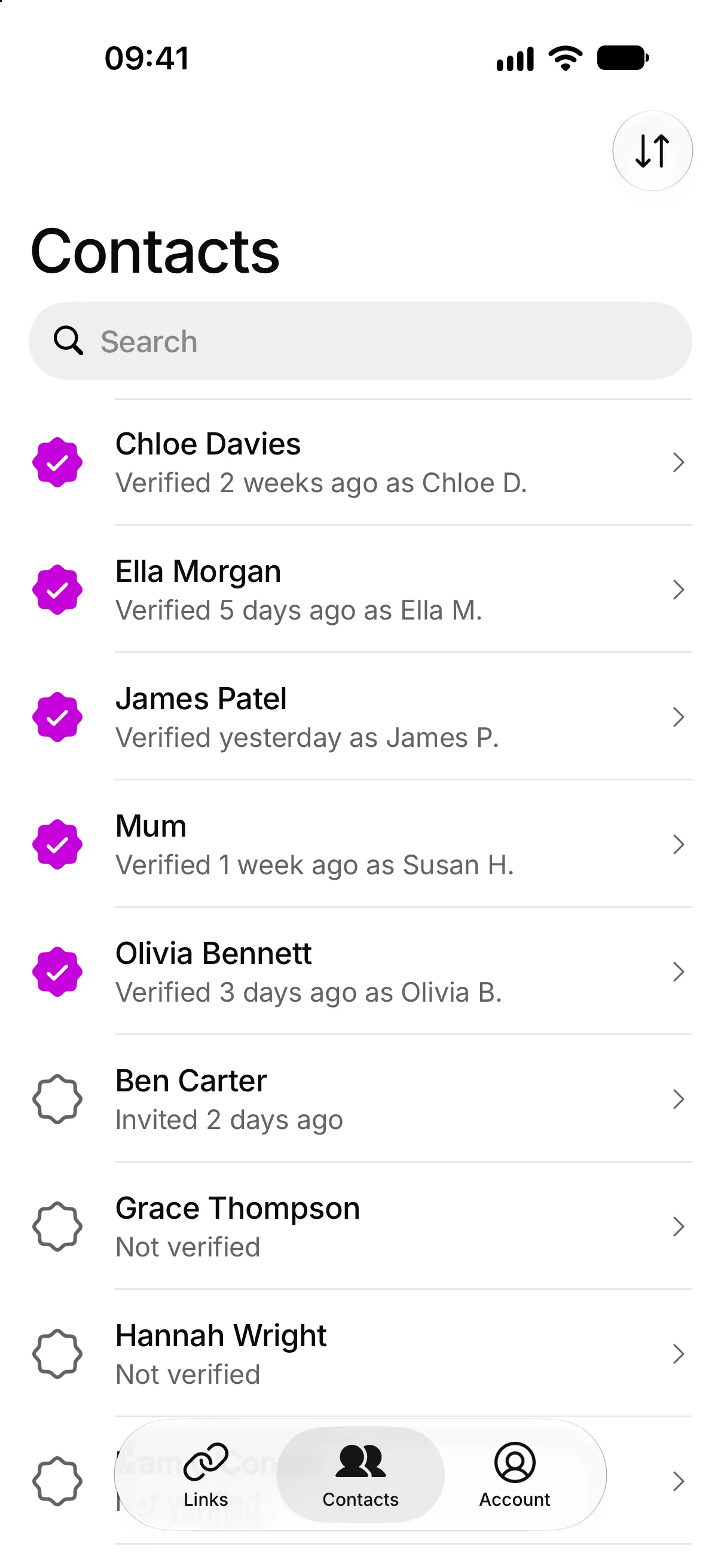
Signing up
Codes are only sent by text to mobile phone numbers. Check the phone number you entered, then tap Send a new code when the countdown ends.
It needs to be in date. Lay it flat in good light with all of it inside the frame. If it has a chip, take it out of any case or cover and keep your phone flat on it until it’s done.
Find better light, take off sunglasses and keep your face inside the oval. When you’re asked to turn your head, turn it slowly and keep your eyes on the screen.
Checking it’s them
They need to be verified on Check Twice and have your phone number saved too, unless they’ve chosen to show their profile to anyone with their phone number. Check Twice also needs access to your contacts.
They didn’t answer within 60 seconds. Treat whoever’s contacting you as someone else until you’re sure.
Whoever you’re talking to may not be them. Contact them another way you trust before you do anything they ask.
Tap No, it isn’t me and they’ll know straight away. You can also choose to show a warning on your profile that someone may be pretending to be you.
Open their page, tap the three dots and choose Report this contact. To tell us about a problem with the app, go to Account and choose Report an issue.
Your account
Open Check Twice, enter your phone number and the code we text you, then take a quick photo. Your other phones stay signed in.
Notifications may be turned off for Check Twice. Turn them on in your phone’s Settings.
Add your new phone number, then remove the old one. Go to Account and tap your name to see your phone numbers. You can have up to three.
Sign in on another phone, then go to Account, Signed-in devices and log the lost one out. If you’ve lost your phone number too, tap Lost your phone number? when you sign in.
Your name always comes from your photo ID, so it can’t be changed in the app. If your name has changed, go to Account, tap your name and choose Reverify with your new photo ID.
Yes. Sign in on each one with your phone number, the code we text you and a quick photo. Check Twice works on phones only, not on an iPad or a computer.
Sometimes we need to check it’s still you to keep your account safe. Take a quick photo and you can carry on. You won’t need your photo ID.
We may suspend an account that breaks our terms. If you think it’s a mistake, contact us.
Links
Open your link in Links and tap Share link. When you create a new one, your phone’s share options appear straight away. If they don’t, open the link and tap Share link.
Anyone on Check Twice or only the contacts you choose. It only opens in the Check Twice app. You can see how many times it’s been opened but never by whom.
Open it in Links and tap Delete link. No one will be able to open it again.